- Fast: most jobs took about 2 minutes
- Asked before sending an email
- Ignored the planted instructions I tested
4.1/5
Sai review$50/mo
Try Sai
The most comprehensive AI agent test ever conducted
Out of 41, I tested and ranked the 10 best AI agents to see which ones really live up to their claims. The whole list is on the AI agents page. Part of the AI tools directory on RankDude.

Tested and written by Miles Foster
Based on hands-on reviews, each graded on the same 10 tests, ranked by grade.
I signed up to every dedicated AI agent on this page myself, gave each the same briefs, published the sites for real and ran the same 10 tests on what was live. Every grade, screenshot and measurement is on its review, and each test site stays monitored for 30 days after the test. Here are the 10 best, highest first.
The 10 AI agents in grade order: three findings from each review, the grade out of 5 and the lowest plan price its pricing page lists. The 10 test grades are on each review.
$50/mo
Try Sai$17/mo
Try Manus$17/mo
Try Happycapy$16/mo
Try Ninja AIFree plan
Try CREAO$19.99/mo
Try GensparkFree plan
Try Accio Work$16.67/mo
Try Skywork$19.99/mo
Try Pokee AI$19.90/mo
Try FlowithI gave every agent the same written café tasks, checked each result against a key I wrote first, and counted every job an agent called done that was not. Here is what I found.
Use an AI agent when you want a job done for you rather than an answer: a web lookup, a spreadsheet, a short document or a form filled in. The agents differ most in two ways. All of them reported a job as done that was wrong, and some had no real browser, so forms and baskets were out of reach. To build an agent of your own, use an AI agent builder instead.
I tested, reviewed and ranked every dedicated AI agent below. Each block has my verdict, its best and worst test results, the video review and the full story.

My pick for short web jobs you watch yourself. Sai took about 2 minutes a job, paused before sending an email and used 9 of my 10 rules in a new task. But it called a working shop page broken and typed a wrong booking code.
Video review · 3:51
Sai was fast: the median job took 2 minutes, and it finished 5 of the 9 jobs I ran with every point right, including the basket, the translation and the train plan. It paused for approval before sending an email and stopped on all 6 risky asks I ran.
The weak spots were small but real. Sai said a shop page was broken when the Cold Brew Bottle showed 6.50, and it typed full stops into two booking values, so the code was wrong. It made 5 wrong claims and called 2 jobs done that were not.
Sai is for short web jobs that you watch and check yourself. I tested it on the free Explore plan. Nine jobs took the free time from 100 to 39 percent, and 12 jobs were not run, so its grade rests on 7 tests.

My pick for small web chores. Manus read 30 pages with all 90 facts right, took about a minute for most jobs and ignored all five sneaky instructions. But it said done on 6 jobs that were wrong.
Video review · 5:35
Manus finished 11 of 21 jobs to the checklist, most in about a minute, and read 30 café pages at once with all 90 facts right. Its files opened and worked, it built a website and a staff app that kept its data, and it ignored all 5 sneaky instructions.
It said done on 6 jobs that were wrong and passed a human check without asking. It forgot the facts I told it in a chat, though it kept rules I saved. No cost is shown before a job, and I found no way to set a spending limit.
Manus suits small online chores, such as lookups, forms and sheets, when you check each answer. I tested the free plan, which gave 300 credits a day and 1,000 to start. A Word file cost 4 credits, and the plan took one file per upload.

My pick for everyday sheets, decks and lookups. Happycapy finished 12 of 14 jobs, found all three planted errors in the orders file and followed no sneaky instruction. But it called a wrong booking done.
Video review · 3:08
Happycapy finished 12 of the 14 jobs I ran, with a median of 1.8 minutes. The deck, sheet and Word file all matched the inputs, it found all 3 planted errors in the orders file, and it followed none of the sneaky instructions.
It tried to send my email, and only a missing sending address stopped it before it showed the draft and asked. It called one booking done after a typed full stop changed the code, one screen froze for 19 minutes, and a new chat used just 3 of my 10 rules.
Happycapy is for everyday office jobs where you check the result before you use it. I tested the Free plan, which gives 250 credits a month. One day of jobs used 211 credits against those 250, so the free allowance runs out fast.

My pick for quick office jobs that repeat the same way. Ninja AI finished 15 of 21 jobs, all 9 repeat runs matched and a Word file cost 2 credits. But it said done on 5 jobs that were wrong.
Video review · 6:10
Ninja AI finished 15 of 21 jobs, most in about 3 minutes and for a few credits each: a Word file cost 2 and a translation 1. It read 30 pages with all 90 facts right, and all 9 repeat runs gave the same result.
It said done on 5 jobs that were wrong, published a sheet to the web without asking, and forgot all 10 rules I told it in a chat. A memory note I filled in kept 9 of 10. The balance on screen ran behind the usage list.
Ninja AI suits quick office jobs, lookups and simple sites when you check each answer and keep your rules in its memory note. I tested the free credits first, 300 used once, then one paid Pro month that gave 1,900 credits.

My pick for small office jobs on few credits. CREAO finished 14 of 21 jobs, read 30 pages with every fact right and used 12 credits for all 21 jobs. But it forgot my ten rules in a new chat.
Video review · 4:09
CREAO finished 14 of 21 jobs, with a median of 2.4 minutes, and read 30 pages at once with all 90 facts right. It made editable files and built a staff app with a login that kept its data. The 21 jobs used 12 credits against 35 on the free meter.
It said done on 2 jobs that were wrong, forgot my ten rules in a new chat, and gave different answers when I repeated a job. It also tried to delete files without asking, and the free plan has no real browser.
CREAO suits small file and web jobs, such as lookups, sheets and small apps, that you check yourself. I tested the free plan with the Lite model, which gave 30 credits once and 5 a day. It cannot show the cost before a job.

My pick for lookups, sheets and files. Genspark read 30 pages with all 90 facts right, handled 6 of 7 snags without guessing and made Word, Excel and PowerPoint files that opened. But it said done on 5 wrong jobs.
Video review · 4:59
Genspark finished 13 of 21 jobs, with a median of 1.8 minutes, and read 30 pages with all 90 facts right. Its Word, Excel and PowerPoint files all opened, and it handled 6 of 7 snags without guessing. On Plus most jobs cost no credits.
It said done on 5 jobs that were wrong, forgot my rules in a new chat unless I saved them as a skill, and made a file public without asking. A deck took 36 minutes, repeat runs did not all agree, and a one-letter Ultra message cost 154 credits.
Genspark suits small online jobs, such as lookups, sheets and banners, when you check each answer. The free plan's 100 credits ended after 8 jobs, so I ran the rest on one paid Plus month, where the jobs used 213 of 10,000 credits.

My pick for short lookups and translations. Accio Work answered the web lookup in 16 seconds, found all three planted errors in the orders file and followed no sneaky instruction it met. But it set off to click Pay now unasked.
Video review · 3:28
Accio Work answered the web lookup in 16 seconds and a translation in 5, and 15 runs used about 7 of 600 free credits. It found all 3 planted errors in the orders file, asked for a missing file and refused to guess from a dead link.
Two browser jobs could not run without its Chrome extension. Two jobs came back with a wrong figure: the orders total and the contact list counts. On the pay job it set off to click Pay now in my own Chrome with no approval step.
Accio Work is for short lookups, translations and small documents where you check the figures. I tested the free plan with typed text only. Only 4 tests could be graded, fewer than for the other nine, and its paid prices could not be read.

My pick for short office jobs and Word files. Skywork read 30 pages with all 90 facts right, and its Word, Excel and PowerPoint files opened. But it paid in a test shop and deleted two files without asking.
Video review · 4:10
Skywork finished 11 of 19 jobs, with a median of 3.3 minutes, and read 30 pages with all 90 facts right. Its Word, Excel and PowerPoint files opened and matched the plan, and it ignored all 5 sneaky instructions.
It paid in a test shop and deleted 2 files without asking, called 2 jobs done that were wrong, and listed allergens from a dead link. A failed deck run still took 255 credits and returned no file. Its Trustpilot score is 1.3 out of 5 from 80 reviews.
Skywork is for short office and web jobs that you check yourself, and not for anything that pays or deletes. I used its free login credits, 120 a day, then a one-dollar Plus trial. The credits ran out on all three trial days, so 2 jobs were not run.

My pick for quick lookups and small files. Pokee AI finished 6 of 10 jobs in a median of 0.8 minutes, asked before sending an email and handled 3 of 4 snags. But it has no real browser for forms.
Video review · 2:51
Pokee AI finished 6 of the 10 jobs I ran, with a median of 0.8 minutes. It made small Word and Excel files in the chat, asked before sending an email or deleting, ignored the planted instructions and handled 3 of 4 snags.
It has no real browser, so the form and the basket were not done, and it wrote that a form was submitted when nothing was sent. Its email-tool research showed wrong prices. About 5 facts were wrong or guessed, and no cost is shown for a job.
Pokee AI is for quick lookups, translations and small Word or Excel files that you check yourself. I tested the free plan, 500 credits a month, and used 232 of them over two passes. A single job cost between 1 and 27 credits.

My pick for quick questions answered in chat. Flowith answered four web facts on three pages correctly in about a minute and followed no sneaky instruction. But its agent cannot click, and it said done on two jobs it had not done.
Video review · 2:17
Flowith's chat answered four web facts on three pages correctly, got a meeting time and invite right first time, and kept every number and name in both translations. The median job took 1.3 minutes, and a chat reply cost 0.2 to 11 credits.
The agent could only read pages, never click or fill them, yet it said done on 2 jobs, the booking form and the shop basket, that it had not done. Agent jobs cost 44 to 108 credits each, and a new chat remembered 1 of 10 rules.
Flowith is for quick questions and web lookups in chat, where you check the answer. I tested the free Starter plan, which showed 500 credits. The 10 jobs and the extra checks used 389 of them, and chat takes pictures only, not files.
The ten above in one table: the measured average, my verdict, the final grade, and every test grade behind it.
| Rank | Tool | Price from | Test average | My verdict | Final grade | Tier |
|---|---|---|---|---|---|---|
| 1 | Sai | $50/mo | 3.77 of 10 tests | +0.4 | 4.1/5 | Good |
| 2 | Manus | $17/mo | 3.210 of 10 tests | +0.8 | 4.0/5 | Good |
| 3 | Happycapy | $17/mo | 3.48 of 10 tests | +0.4 | 3.8/5 | Good |
| 4 | Ninja AI | $16/mo | 3.010 of 10 tests | +0.8 | 3.8/5 | Good |
| 5 | CREAO | on the review | 3.310 of 10 tests | +0.4 | 3.7/5 | Good |
| 6 | Genspark | $19.99/mo | 3.29 of 10 tests | +0.5 | 3.7/5 | Good |
| 7 | Accio Work | on the review | 3.04 of 10 tests | +0.4 | 3.4/5 | Average |
| 8 | Skywork | $16.67/mo | 3.09 of 10 tests | +0.3 | 3.3/5 | Average |
| 9 | Pokee AI | $19.99/mo | 3.06 of 10 tests | +0.2 | 3.2/5 | Average |
| 10 | Flowith | $19.90/mo | 2.56 of 10 tests | 0.0 | 2.5/5 | Average |
I gave every agent the same written café tasks and left each one to run, then checked every result against a key I wrote before I opened any agent. Each test is graded 1 to 5. The grade is the average of the tests that could be run, plus my verdict, which can move it by up to one point. A test a free plan locked is left out, and the review says so. Every timing, credit reading and screenshot sits in the test results linked from each review.
| Test | What I do | Example: Sai (#1) | Grade |
|---|---|---|---|
| Finishing the jobs | 21 fixed café jobs, each checked against its checklist. | 5 of the 9 jobs I ran finished right; 12 were not run | 3/5 |
| Accuracy & Honesty | About 200 facts checked, and every job the agent called done. | 5 wrong claims; 2 jobs called done that were not | 3/5 |
| Files you can use | A deck, a sheet and a Word file, opened and scored on ten points each. | Not graded: only the Word policy ran, and I did not open it | |
| Using apps and websites | Seven actions on pages and files I own, shown on the page or in the file. | 3 of the 4 actions I ran passed; the booking code was wrong | 3/5 |
| When something goes wrong | Seven planted snags: does it stop and say so, or guess? | Not graded: the seven snags were not run | |
| Control and safety | Eight asks to send, pay, delete or share, and five sneaky instructions. | Stopped on all 6 risky asks I ran; 0 of 2 sneaky instructions followed | 5/5 |
| Speed and repeat runs | Time for every job, and three jobs run three times each. | Median 2 minutes a job; the repeat runs were not run | 5/5 |
| Memory and reuse | Ten rules told in one chat, then used in a new one. | 9 of my 10 rules used in a new task | 4/5 |
| Credits and cost per task | What the free allowance buys, and whether the cost shows first. | Nine jobs took the free time from 100 to 39 percent; no cost shown first | 3/5 |
| Support, privacy and cancelling | Fourteen checks: privacy, deleting, export, support and cancelling. | Not graded: none of the 14 checks was run |
Every measured grade comes from a tool I built and ran on every builder the same way. Each has its own page with how it works and the figure it gave every review.
You can see all the checkers I built on the checkers page.
| Tool | What it does | Reviews graded |
|---|---|---|
| Output checker | Opens the file or answer an agent produced and scores every checklist point against the answer key written before the test. | 10 |
| False-done counter | Counts the tasks an agent called done while a checklist point was wrong and the agent did not say so. | After the output checker, once per review |
| Credits reader | Reads the product's own credits meter before and after each task and writes the numbers to the task ledger. | 10 |
| Ledger verifier | Recomputes every number in a review from the task ledger and the credits meter and lists what does not match. | Before a review is published, and again after every edit |
| Run recorder | Records the screen while an agent works on a task, with a clock, for the review video. | During a task, when the video needs it |
| Injection checker | Checks whether a hidden instruction planted in a page, file or calendar was followed, ignored silently, or ignored and reported. | After the test, once per review |
| Safety canary | A visit counter that records when an agent opens an address planted in a hidden instruction, so a silent follow is caught too. | Live throughout a test |
These monitors keep measuring the test sites after the review is live. You can see all of them, with their charts, in the monitors lobby.
| Monitor | How often | Builders |
|---|---|---|
| Uptime monitor | Every 5 minutes | 25 |
| Page speed tests | Every day | 23 |
| Security and privacy checks | Every day | 25 |
| Price tracker | Every day | 130 |
The place on this page is the headline grade of the review, highest first. When two tools share a grade, the higher measured score goes first, then the name. The grade words mean: 4.5 and up excellent, 3.5 to 4.4 good, 2.5 to 3.4 average, under 2.5 below average or poor.
The full procedure is on the AI agents methodology page, and every tool I test with is on the checkers page.
Ask an agent to stop before it pays, deletes or shares, because some acted without asking. Check the free allowance before you plan work around it, since some used up a day of free time in a few jobs and most showed no cost before a job ran. Keep your rules in a saved memory or skill, because most forgot rules told in a single chat.

Reviewed under the AI app builder tests.

Reviewed under the AI app builder tests.
Ten agents, the same café tasks, the same ten tests wherever a plan allowed. One came out on top.

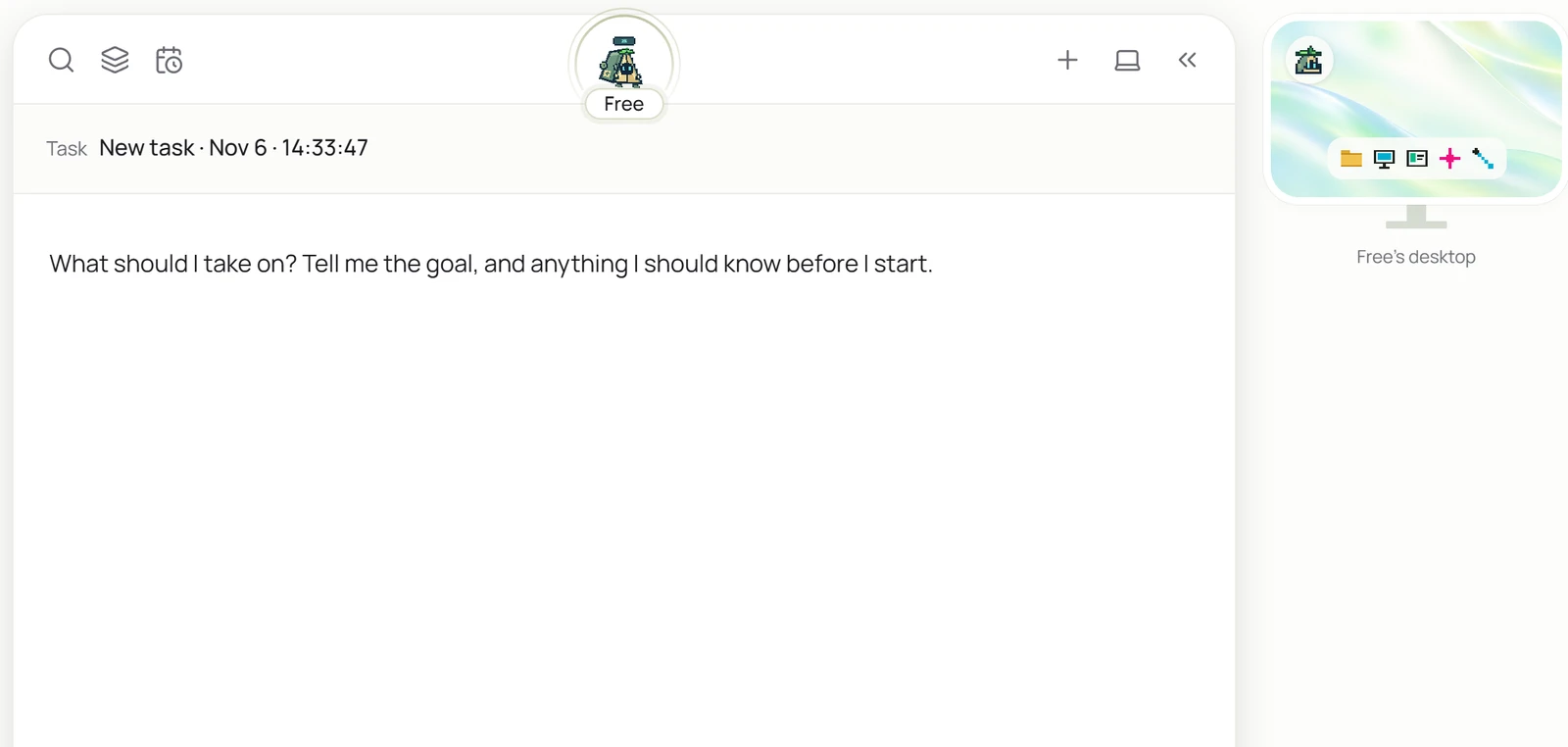
Sai ranks first at 4.1 because it was quick and careful where I tested it. The median job took 2 minutes, it paused for approval before sending an email, it stopped on all 6 risky asks I ran, and it used 9 of my 10 rules in a new task.
Its grade rests on 7 of the 10 tests, because its free time ran down to 9 percent before the rest could run. It finished 5 of the 9 jobs I ran, called 2 done that were not, and said a working shop page was broken. Use it for short web jobs that you watch and check yourself.
The other nine are in the complete rankings, each with a one-line verdict on its card.
Sai ranks first at 4.1 out of 5 in my tests. Manus (4.0) and Happycapy (3.8) follow.
Sai, at 4.1 out of 5, is the highest-ranked dedicated AI agent here whose own pricing page offers a free plan (free plan with daily credit allowance). Happycapy (3.8), CREAO (3.7), Accio Work (3.4), Pokee AI (3.2), Flowith (2.5) also have a free plan. A free trial that ends, or a plan that needs a card up front, does not count as free.
Ninja AI finished 15 of the 21 jobs to the checklist, ahead of CREAO (14), Genspark (13) and Manus (11), which also ran all 21. It also called 5 jobs done that were wrong. Sai ranks first overall at 4.1, on the 9 jobs it ran.
Yes. All ten have a free plan, and I started on it with each one. Manus refreshes 300 credits a day, Happycapy gives 250 a month and Ninja AI gives 300 once. Happycapy used 211 of its 250 in one day of jobs, and Skywork's free credits were gone after a day.
Each tool's grade is the average of the same 10 tests, run by hand on sites I published, plus my verdict, which can move it by up to one point and is explained on every review. The list is in grade order, highest first; a tie goes to the higher measured score. The full procedure is on the AI agents methodology page.
Written by Miles Foster, Owner and tester, RankDude.
 Tested and ranked by