
SlidesPilot Review: AI Presentation Maker, Pricing & My Test Results
My rating
A fast first draft that kept my document's facts but ignored my table.
Best for: quick decks from a document that you will check by hand. Not for exact figures, or a PowerPoint file on the free plan.

Tested and written by Miles Foster
Based on 8 graded tests and my verdict. How I rate
I tested SlidesPilot hands-on on its free plan, the way I test every AI presentation maker: three fixed briefs, every slide checked for faults and figures, twelve edits, the export gate, the terms and the prices. SlidesPilot ranks #5 of the ten on my best AI presentation makers page.
Every measurement is in the SlidesPilot test results.
My SlidesPilot AI Presentation Maker Test Results
| Category | Grade | In short |
|---|---|---|
| Structure from a PromptNearly every point, one deck ran long | 5/5Excellent | |
| Slide DesignSome labels and legends cut off | 3/5Average | |
| Content AccuracyThe business review ignored my figures | 1/5Poor | |
| Use of a Supplied DocumentEvery key point in, a few extras added | 2/5Below average | |
| Editing ControlMost edits worked, no notes or comments | 3/5Average | |
| Charts & ImagesReal editable charts with the wrong data | 2/5Below average | |
| SpeedEvery deck done in about a minute | 5/5Excellent | |
| Pricing & ValueDownloads start under ten dollars a month | 5/5Excellent | |
| My verdict | +0.6 | |
| Overall | 3.9/5Good |
What Is SlidesPilot?
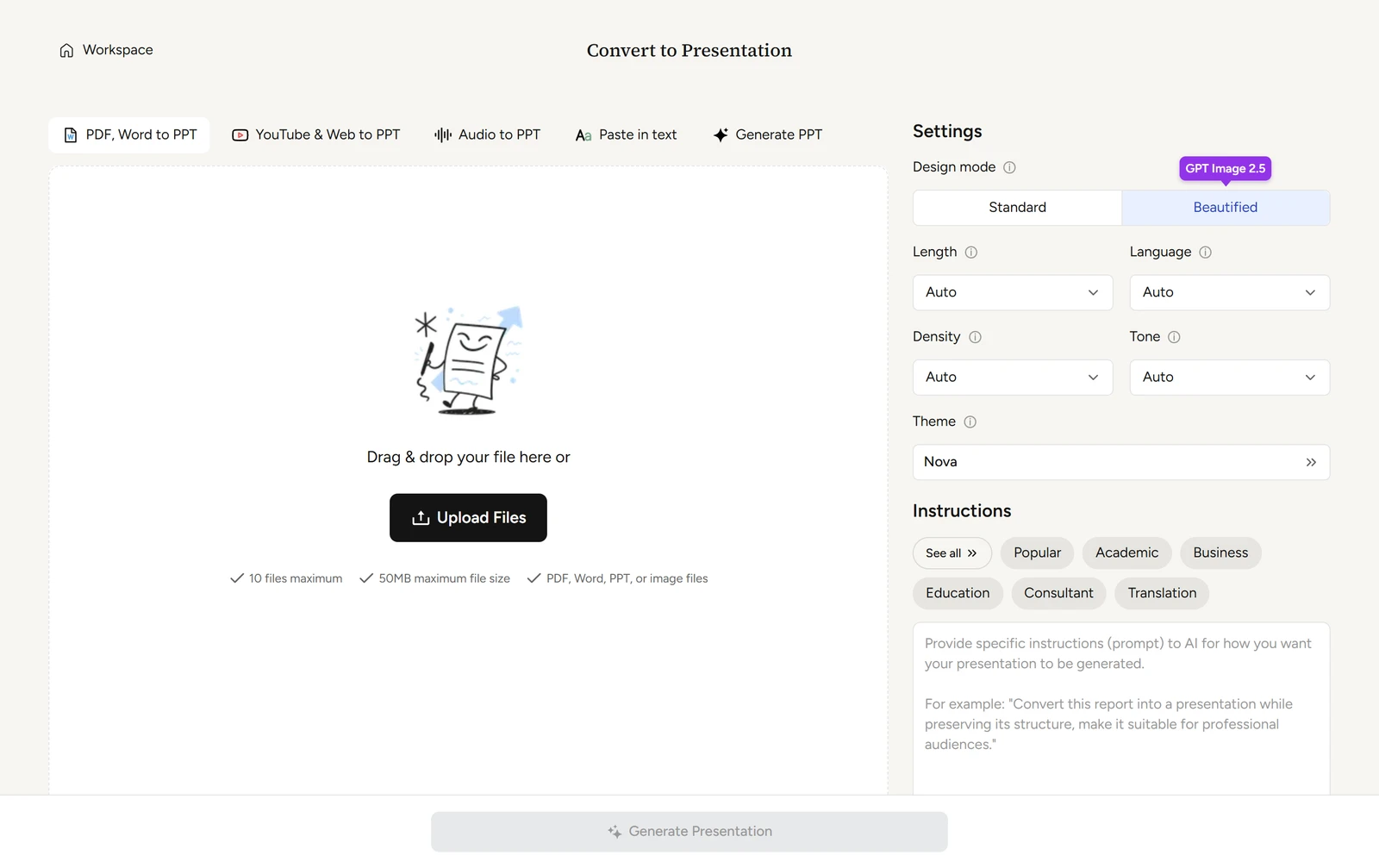
SlidesPilot is an AI presentation maker. You type a topic or add a document, a link or pasted text, and it builds a deck of editable slides in your browser. It is made by SlidesPilot Tech, Inc., according to its terms.
The free plan gives 80 credits. Downloads to PowerPoint, PDF and Google Slides start with Starter at $8 a month paid yearly.
How I Tested SlidesPilot
Every AI presentation maker gets the same three briefs: a ten-slide quarterly review built on a table of figures, a twelve-slide teaching deck on the water cycle, and a ten-slide pitch deck from a six-page document. I ran all three, and eight of the ten tests were graded.
My tools
Last checked 12 Nov 2026SlidesPilot pros and cons
Pros
- Every deck finished in about a minute
- All 15 key points from my document
- Charts keep their data and can be edited
- One credit a slide, and 80 to start
- No card needed to try it
- Theme change applies to every slide
- Paid plan from $8 a month
Cons
- Ignored my figures and invented over thirty
- Water cycle deck came out five slides long
- Legends and labels cut off on charts
- No speaker notes, comments or free placement
- Every download and custom theme is paid
- Beautify turns a slide into a flat picture
- Terms say no refunds, the plan box says otherwise
SlidesPilot Pricing
The cheapest plan with downloads is Starter at $9 a month, or $8 a month paid yearly, with 300 credits a month. Plus and Pro add credits.
SlidesPilot plans and prices
Live data· last check 12 November 2026| Plan | Price a month | |
|---|---|---|
| Free80 credits at sign-up, no download | $0 | 80 credits at sign-up, no download |
| StarterMonthly: 300 credits a month, downloads and custom themes | $9 | Monthly: 300 credits a month, downloads and custom themes |
| PlusMonthly: 1,000 credits a month | $19 | Monthly: 1,000 credits a month |
| ProMonthly: 2,500 credits a month | $39 | Monthly: 2,500 credits a month |
I did not buy a plan, so I could not see what a paid download gives you.
SlidesPilot Free Plan Limits
The free plan gives 80 credits, and a slide costs 1. The three decks used 37, my edits used 5 more, and 38 were left, so I stayed well under the 85 per cent line where I stop, and 80 credits cover about eight ten-slide decks.
Two tests were left out because the free plan does not allow them: brand control, because a custom theme cannot be saved, and export fidelity, because every download is blocked.
SlidesPilot Brief to Finished Deck
SlidesPilot finished all three decks in under a minute: 36 seconds for the pitch deck, 53 for the water cycle deck and 64 for the business review.
There is no outline to confirm. The page says it may take 1-2 minutes, and then you have the deck.
SlidesPilot Deck Structure
SlidesPilot met 20 of 21 structure points across the three decks: a title, an agenda or opening, a logical order, one idea per slide and a closing ask in each.
The one miss was the length of the water cycle deck. I asked for 12 slides in the brief and got 17, with two quiz questions and their answers on separate slides. The Length setting showed Auto when I pressed Generate, so the count came from the brief text alone.
SlidesPilot Accuracy
SlidesPilot did not use my figures in the business review. My brief said to use only my numbers, and the deck invented more than thirty of its own.
My table said $1,368k and 10,540 orders. The deck also added regions and a product name I never gave. The water cycle deck had no error I could find, so the problem is how it handles supplied numbers, not facts it already knows.
SlidesPilot Slide Design
SlidesPilot's slides had 13 layout faults in 37 slides, about 3.5 in every ten. The look is clean, with one font family and no walls of text, though you will see cut-off labels on charts.
Most faults are on charts and diagrams: cut-off legends, labels that overlap and diagram text too small to read. One title photo shows bags labelled "HARBOR BEAN" on a deck for Harbor Light.
SlidesPilot Charts and Images
SlidesPilot's charts are real charts, with data behind them, but the values in my business review were wrong. All three of the charts and panels I asked for failed the check.
The editing is good: you change a cell and the chart redraws. The pictures are AI-made from a visible prompt and suit their slides, but no source or licence is shown.
SlidesPilot Editing
Nine of twelve edits worked with normal controls: reorder, layout, regenerate, shorten, insert, chart data, image swap, theme and undo. I found no speaker notes, no free placement of objects and no comments.
Beautify this slide looks richer but turns the slide into a picture and wrote a tagline I never gave. The edits together cost 5 credits.
SlidesPilot Brand Control
SlidesPilot's theme editor takes exact hex colours, but you cannot keep a custom theme on the free plan. I set my two brand colours and a font, and Save theme opened the upgrade box.
The font list has Montserrat Alternates but not Montserrat, and I found no template import, so I did not grade this test.
SlidesPilot Pitch Deck From a Document
SlidesPilot put all 15 key points of my six-page memo into the pitch deck, with the right figures. That is the best result of the three briefs.
It also added four statements that are not in the document, such as skills for the CEO and duties for the team. The methodology counts any addition as invented, so the grade is low although the coverage is complete.
SlidesPilot Exports
Every download is behind a paywall. The Download menu lists PDF, PowerPoint, Google Slides and PNG Images, each with a premium mark.
Choosing PDF or PowerPoint opened the upgrade box, so I could not compare a downloaded file with the deck. The free plan gives you a view-only share link instead.
SlidesPilot Usage Rights
SlidesPilot's terms say nothing about AI-made decks. They say the company "does not claim ownership of Your Content", and they ask you to grant it a perpetual, irrevocable licence to use what you post.
The terms say "THERE ARE NO REFUNDS", while the plan box promises a 3-day money-back guarantee. Questions go to help@SlidesPilot.com.
Final verdict: is SlidesPilot worth it?
SlidesPilot is worth trying if you want a fast first draft from a document or a topic and you will check every figure yourself. It built three decks in under a minute each, and its pitch deck kept all 15 key points.
It is not the tool if you need it to use your own numbers without checking, a clean layout without fixes, or a PowerPoint file you do not pay for. The business review invented more than thirty figures.
The eight tests I could grade average 3.3 out of 5. I rate SlidesPilot 3.9 because the speed, the real charts and the faithful pitch deck outweigh the errors on a first draft, and two tests are paid features I could not run.
See the SlidesPilot test results and how I rate.
Best for: People who want a fast first draft of a deck from a document, and who will check every figure before they present.
Video review · 2:51
Watch me test SlidesPilot
The whole test in a few minutes, from screen recordings of the tests. Captions and the full transcript are one click away, and the video has a page of its own.
Transcript
Hi, I'm Miles. I tested SlidesPilot hands on, on its free plan, and here's the short version. Every deck was ready in under a minute, and the pitch deck from my six page document kept all fifteen key points. The catch: asked to use only my figures, the business review invented more than thirty of its own. My rating is three point nine out of five, from eight tests.
So what is SlidesPilot? It's an AI presentation maker. You type a topic or add a document, a link or pasted text, and it builds a deck of editable slides in your browser. The free plan gives you eighty credits.
A slide costs one credit. My three decks used thirty seven, my edits used five more, and thirty eight were left, so I stayed well under my eighty five per cent line.
Now the speed. The pitch deck took thirty six seconds, the water cycle deck fifty three, and the business review sixty four. There is no outline to confirm. You press generate, and the deck simply appears.
On structure, twenty of twenty one points. The one miss was length: I asked for twelve slides on the water cycle and got seventeen. On accuracy, the business review ignored my table. Revenue shows as four point five million, not one point three six eight, and I counted more than thirty invented figures.
The design is clean, with one font, but I counted thirteen layout faults in thirty seven slides. Mostly chart legends cut off, overlapping labels, and diagram text too small to read.
The charts are real charts. Click one, open edit chart, change a cell, and it redraws. But in my review the values were wrong, so all three charts I asked for failed.
The pitch deck was the best result. All fifteen key points from my six page memo were there, with the right figures. It also added four statements that are not in the document, so the methodology grades it low.
Next, twelve fixed edits. Nine worked: reorder, layout, regenerate, shorten, insert, chart data, an image swap, a theme and undo. I found no speaker notes, no free placement and no comments. Beautify turns a slide into a flat picture.
Then the wall. PDF, PowerPoint, Google Slides and PNG all carry a premium mark, and a custom theme with my brand colours needs a paid plan too. So I left out brand control and export fidelity.
On rights, the terms don't say who owns an AI made deck. They say the company does not claim ownership of your content, and they take a broad licence to it. They also say no refunds, while the plan box promises three days.
On price, the cheapest plan with downloads is Starter, nine dollars a month, or eight dollars paid yearly, with three hundred credits.
So, is SlidesPilot worth it? Yes, as a fast first draft you check yourself. The eight tests average three point three, and I rate it three point nine, because the speed, the real charts and the faithful pitch deck outweigh the errors.
Chapters · 14
Frequently asked questions
How much does SlidesPilot cost, and is there a free plan?
Yes, free. It gives 80 credits, and a slide costs 1. Starter is $9 a month, or $8 a month paid yearly.
Is SlidesPilot legit and safe?
It worked. I signed in with Google, entered no card and had no problem. Trustpilot returned no page for the site on 5 November 2026, so there is no user score to quote.
Who owns the decks I make with SlidesPilot?
Not stated. For AI-made decks the terms say SlidesPilot does not claim ownership of your content, and they take a broad licence to it. Ask help@SlidesPilot.com if it matters to you.
Can I export a SlidesPilot deck to PowerPoint?
Not free. PDF, PowerPoint, Google Slides and PNG all opened an upgrade box. Downloads start with Starter.
What did I not test?
Two tests. I did not grade brand control, because a custom theme cannot be saved on the free plan, or export fidelity, because every download is blocked. I left out both rather than guess.

Miles FosterOwner and tester, RankDudeMiles Foster is a pen name: the owner of RankDude, a private person, runs every test himself.
Disclosure. I tested on the free demo account anyone can open on SlidesPilot’s site. I signed up myself and paid SlidesPilot nothing. SlidesPilot didn’t see this review first and had no say in my rating. How RankDude makes money is on the disclosure page.