
SlidesGPT Review: AI Presentation Maker, Pricing & My Test Results
My rating
A very fast first draft. Extra slides and numbers I never gave.
Best for: quick decks you will check and tidy by hand. Not for exact slide counts, editable charts or a PowerPoint file on the free plan.

Tested and written by Miles Foster
Based on 9 graded tests and my verdict. How I rate
I tested SlidesGPT hands-on on its free plan, the way I test every AI presentation maker: three fixed briefs. One has a table of figures and one has a PDF. Every slide was checked for faults, and I ran twelve edits, a brand theme and the terms. SlidesGPT ranks #6 of the ten on my best AI presentation makers page.
Every measurement is in the SlidesGPT test results.
My SlidesGPT AI Presentation Maker Test Results
| Category | Grade | In short |
|---|---|---|
| Structure from a PromptRight order, but extra and repeated slides | 4/5Good | |
| Slide DesignPale subtitles that are hard to read | 2/5Below average | |
| Content AccuracyMy figures were right, some others invented | 2/5Below average | |
| Use of a Supplied DocumentMost points covered, some invented | 2/5Below average | |
| Editing ControlLayout, notes and images worked, undo did not | 3/5Average | |
| Brand & Theme ControlColours and font stuck, logo mostly missing | 2/5Below average | |
| Charts & ImagesBar chart right, line chart came back as bars | 3/5Average | |
| SpeedA full deck in about half a minute | 5/5Excellent | |
| Pricing & ValueA paid plan under ten dollars | 5/5Excellent | |
| My verdict | +0.8 | |
| Overall | 3.9/5Good |
What Is SlidesGPT?
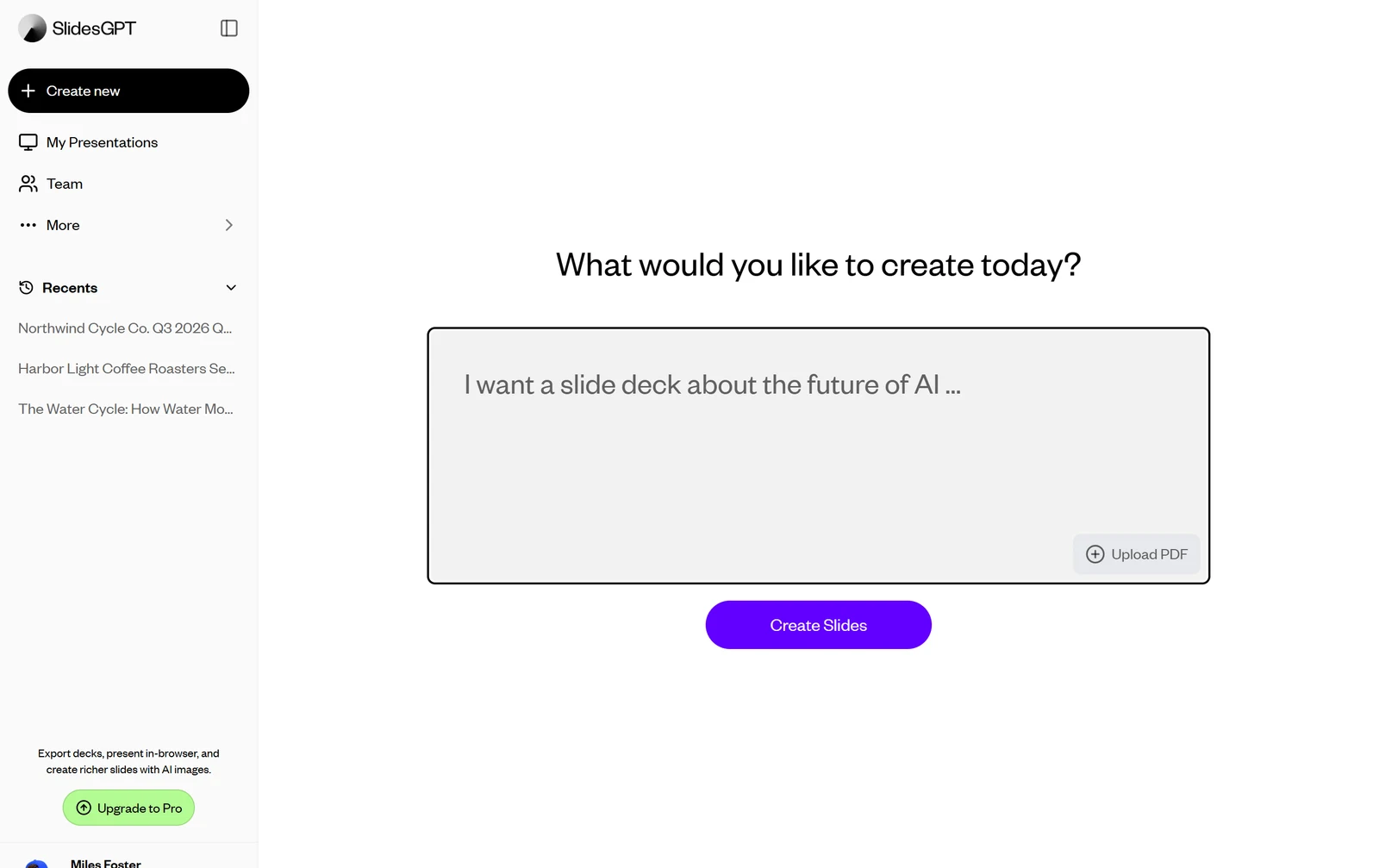
SlidesGPT is an AI presentation maker. You type a prompt or upload a PDF, check an outline, pick a theme and you get a deck of editable slides in the browser.
The free plan creates, views and shares decks. Exports to PowerPoint, PDF and Google Slides start with Pro at $7.49 a month billed yearly.
How I Tested SlidesGPT
Every AI presentation maker gets the same three briefs: a ten-slide quarterly review built on a table of figures, a twelve-slide teaching deck on the water cycle, and a ten-slide pitch deck from a six-page document. I ran all three, then twelve edits and a brand theme. Nine of the ten tests were graded.
My tools
Last checked 12 Nov 2026SlidesGPT pros and cons
Pros
- A finished deck in 36 seconds
- Custom theme with two colours, font and logo
- Every figure from my table was right
- Stock photos carry a photographer credit
- Eight of twelve edits worked
- Speaker notes on every slide
- Paid plan from $7.49 a month
Cons
- Extra and repeated slides in every deck
- Invented percentages in two decks
- The line chart came back as bars
- Charts have no data table
- Pale low-contrast subtitles
- Every export needs a paid plan
- No undo for three steps, no comments
SlidesGPT Pricing
The cheapest plan with export is Pro at $9.99 a month, or $7.49 a month billed yearly, with 10 downloads a month. Pro XL raises that to 50 downloads.
SlidesGPT plans and prices
Live data· last check 12 November 2026| Plan | Price a month | |
|---|---|---|
| Free StarterCreate, view and share presentations, no export | $0 | Create, view and share presentations, no export |
| ProMonthly: 10 downloads a month and 30 AI images | $9.99 | Monthly: 10 downloads a month and 30 AI images |
| Pro XLMonthly: 50 downloads a month and 30 AI images | $29.99 | Monthly: 50 downloads a month and 30 AI images |
- Pro and Pro XL both show a monthly and a yearly price; the yearly view is the default on the pricing page
I did not buy a plan, so I could not see what a paid export gives you.
SlidesGPT Free Plan Limits
SlidesGPT's free plan lets you create and share decks. The pricing page lists nothing else for it, and PowerPoint, PDF and Google Slides downloads and presentation mode all need Pro.
I saw no credit meter and hit no limit on three decks and a set of edits. I left out one test, export fidelity, and could not try the template import without a template file.
SlidesGPT Brief to Finished Deck
SlidesGPT finished every deck 36 seconds after I pressed Create Slides. The outline took 12 to 15 seconds, and the deck itself took another 21 to 24.
There was no price to confirm: the outline screen shows the slide list, a design picker and a Show Slides button.
SlidesGPT Deck Structure
SlidesGPT met 17 of 21 structure points. The order was logical and every deck had a title, an agenda and a closing ask, but each came with too many slides.
I asked for ten, twelve and ten slides and got twelve, fourteen and twelve. The quarterly review showed its title and its agenda twice.
SlidesGPT Accuracy
SlidesGPT got my figures right but added numbers I never gave. Revenue, the months, the four regions, the margin and the satisfaction score matched my table.
My brief said not to invent any figure. The rings show 100%, 89% and 92%, and the 12.7 per cent growth figure never appears. The water cycle deck had no errors that I found.
SlidesGPT Slide Design
SlidesGPT's slides had 29 layout faults in 38 slides, mostly pale subtitles. The look is clean with one font, but the grey and coral subtitle colours are hard to read.
On the pitch deck a bullet had a stray colon on its own line and two photos had nothing to do with coffee. I measured the flat colours and judged text over photos by eye.
SlidesGPT Charts and Images
SlidesGPT's bar chart had eight values right, but the line chart I asked for came back as bars. Asking for a line chart again left July and August at zero.
Clicking a chart opens no data table. Photos from the stock search show a credit such as "Photo by Aleksandr Kozlovskii on Unsplash", while the AI-made pictures show no source.
SlidesGPT Editing
Eight of twelve SlidesGPT edits worked with normal controls: reorder, layout, regenerate, shorten, insert, image swap, notes and a deck-wide theme. Chart data, free movement, three undo steps and comments did not.
The AI edit box answered in about 12 seconds. Asked to change one West value, it rewrote all eight numbers in the chart, and an inserted slide carried placeholder text.
SlidesGPT Brand Theme
SlidesGPT's custom theme took my colours and font, but the logo reached only some slides. The text and rings turned navy and gold in Montserrat.
The logo showed small at the bottom left of the quarterly review, except the cover, and not at all on the other two decks. The charts kept purple and yellow. I did not try the .pptx template import.
SlidesGPT From a PDF
SlidesGPT covered 11 of 15 from the six-page PDF. The upload worked at once, and the pitch deck followed the memo's order.
Missing were the subscription cadence, the market growth, the $2.1 million revenue (speaker notes only) and the lifetime value. Added were rings reading 83% and 79% and three milestone dates that are not in the memo.
SlidesGPT Exports
Every SlidesGPT export is behind a paywall. Choosing Download opens a plan chooser with a Download as PowerPoint button, and presentation mode does the same.
So I could not compare a downloaded file with the deck, and you cannot either before you pay. Pro allows 10 downloads a month.
SlidesGPT Usage Rights
SlidesGPT's terms do not say who owns a deck the AI writes for you. They say the site and its contents belong to SlidesGPT.
One clause says that ideas, designs and information you submit "will become the sole property of SlidesGPT without any compensation or credit to you whatsoever". It is not clear whether that covers a deck, so ask before you use one for client work.
SlidesGPT Reviews: What Other Users Say
Trustpilot shows SlidesGPT at 3.7 out of 5 from 2 reviews. One is a 5-star and one a 1-star.
The profile has no recent invitations for reviews, so two reviews tell you little. The pricing page itself says "Over 10 Million presentations created".
Final verdict: is SlidesGPT worth it?
SlidesGPT is worth trying if you want a very fast first draft and a brand theme without paying, and you will check every figure and tidy the layout yourself. It built three decks in 36 seconds each, and eight of the twelve edits worked.
It is not the tool if you need exactly the slide count you asked for, charts you can edit as data, or numbers you can trust without checking. Two of the three decks carried percentages I never gave, and exports need a paid plan.
The nine tests I could grade average 3.1 out of 5. I rate SlidesGPT 3.9 because it is quick, the theme editor is free and the cheapest exporting plan costs less than ten dollars a month, and the one test I could not run is a paid feature.
See the SlidesGPT test results and how I rate.
Best for: People who want a fast first draft of a deck and a free brand theme, and who will check every figure and tidy the slides before they present.
Video review · 2:44
Watch me test SlidesGPT
The whole test in a few minutes, from screen recordings of the tests. Captions and the full transcript are one click away, and the video has a page of its own.
Transcript
Hi, I'm Miles. I tested SlidesGPT hands on, on its free plan, and here's the short version. It built each of my three decks in thirty six seconds, and the theme editor is free. But every deck had extra slides, two decks carried percentages I never gave, and every export needs a paid plan. My rating is three point nine out of five, from nine tests.
So what is SlidesGPT? It's an AI presentation maker. You type a prompt or upload a PDF, check an outline, pick a theme, and you get a deck of editable slides in your browser.
The free plan lets you create and share decks. I saw no credit meter and hit no limit on three decks and a set of edits. Downloads and presentation mode need Pro.
Now the speed. I pressed create slides on each brief. The outline took about twelve seconds, and thirty six seconds after I started, the whole deck was finished and editable. All three decks took the same time.
Then structure and accuracy. The order was logical, but I asked for ten, twelve and ten slides and got twelve, fourteen and twelve. My own figures were right, but the summary slide showed rings reading a hundred, eighty nine and ninety two percent, and I never gave those. The pitch deck covered eleven of my fifteen points from the PDF, and added more numbers that weren't in it.
The design was clean, but the subtitles were pale. I counted twenty nine layout faults in thirty eight slides, mostly grey and coral text that's hard to read on its background.
The bar chart had all eight values right. But the line chart I asked for came back as bars, and when I asked again, July and August dropped to zero. There's no data table behind any chart.
Next, twelve fixed edits. Eight worked: reordering, a new layout, a regenerated slide, a shorter slide, a new slide, an image swap, notes and a deck wide theme. Chart data, moving objects, three undo steps and comments did not.
For brand, the free theme editor took my two colours, my font and my logo. The colours and font reached every slide, but the logo showed on only some, and the charts kept their own colours.
Exports are the wall. Choosing download opens a plan chooser, so I could not compare a downloaded file with the deck.
On rights, the terms don't say who owns a deck the AI writes. One clause says ideas and designs you submit become the property of SlidesGPT, so ask before you use a deck for client work.
On price, the cheapest plan with export is Pro, nine ninety nine a month, or seven forty nine a month paid yearly, with ten downloads a month.
So, is SlidesGPT worth it? Yes, if you want a very fast first draft and a brand theme without paying, and you will check every figure yourself. The nine tests average three point one, and I rate it three point nine, because it's quick, the theme editor is free, and the test I couldn't run is a paid feature.
Chapters · 14
Frequently asked questions
How much does SlidesGPT cost, and is there a free plan?
Yes, free. It creates, views and shares decks. Pro is $9.99 a month, or $7.49 a month billed yearly.
Is SlidesGPT legit and safe?
It worked. I signed in with Google, entered no card and had no problem. Trustpilot shows 3.7 from 2 reviews, which is too few to judge.
Who owns the decks I make with SlidesGPT?
Not stated. The terms do not cover decks, and one clause says submitted ideas and designs become SlidesGPT's property. Ask SlidesGPT if it matters to you.
Can I export a SlidesGPT deck to PowerPoint?
Not free. PowerPoint, PDF and Google Slides open an upgrade box on the free plan, and Pro allows 10 downloads a month.
What did I not test?
Exports, template import. Export fidelity needs a paid plan, and I had no .pptx template to try the master template import.

Miles FosterOwner and tester, RankDudeMiles Foster is a pen name: the owner of RankDude, a private person, runs every test himself.
Disclosure. I tested on the free demo account anyone can open on SlidesGPT’s site. I signed up myself and paid SlidesGPT nothing. SlidesGPT didn’t see this review first and had no say in my rating. How RankDude makes money is on the disclosure page.