
PopAi Review: AI Presentation Maker, Pricing & My Test Results
My rating
A quick, accurate first draft with real charts. The free credits run out fast.
Best for: a fast business deck you will finish on a paid plan. Not for a free, complete deck or a PowerPoint file.

Tested and written by Miles Foster
Based on 7 graded tests and my verdict. How I rate
I tested PopAi hands-on on its free plan, the way I test every AI presentation maker: a fixed quarterly review brief with a table of figures, seven structure points, every visible slide checked for faults, twelve edits and the terms. PopAi ranks #10 of the ten on my best AI presentation makers page.
Every measurement is in the PopAi test results.
My PopAi AI Presentation Maker Test Results
| Category | Grade | In short |
|---|---|---|
| Structure from a PromptMost of the structure points were there | 4/5Good | |
| Slide DesignClean look, tiny chart labels | 3/5Average | |
| Content AccuracyEvery figure matched my table | 5/5Excellent | |
| Editing ControlA few edits worked, then credits ran out | 2/5Below average | |
| Charts & ImagesRight values and a data sheet | 4/5Good | |
| SpeedA full deck in about two minutes | 3/5Average | |
| Pricing & ValuePlans hidden behind a human check | 3/5Average | |
| My verdict | +0.0 | |
| Overall | 3.4/5Average |
What Is PopAi?
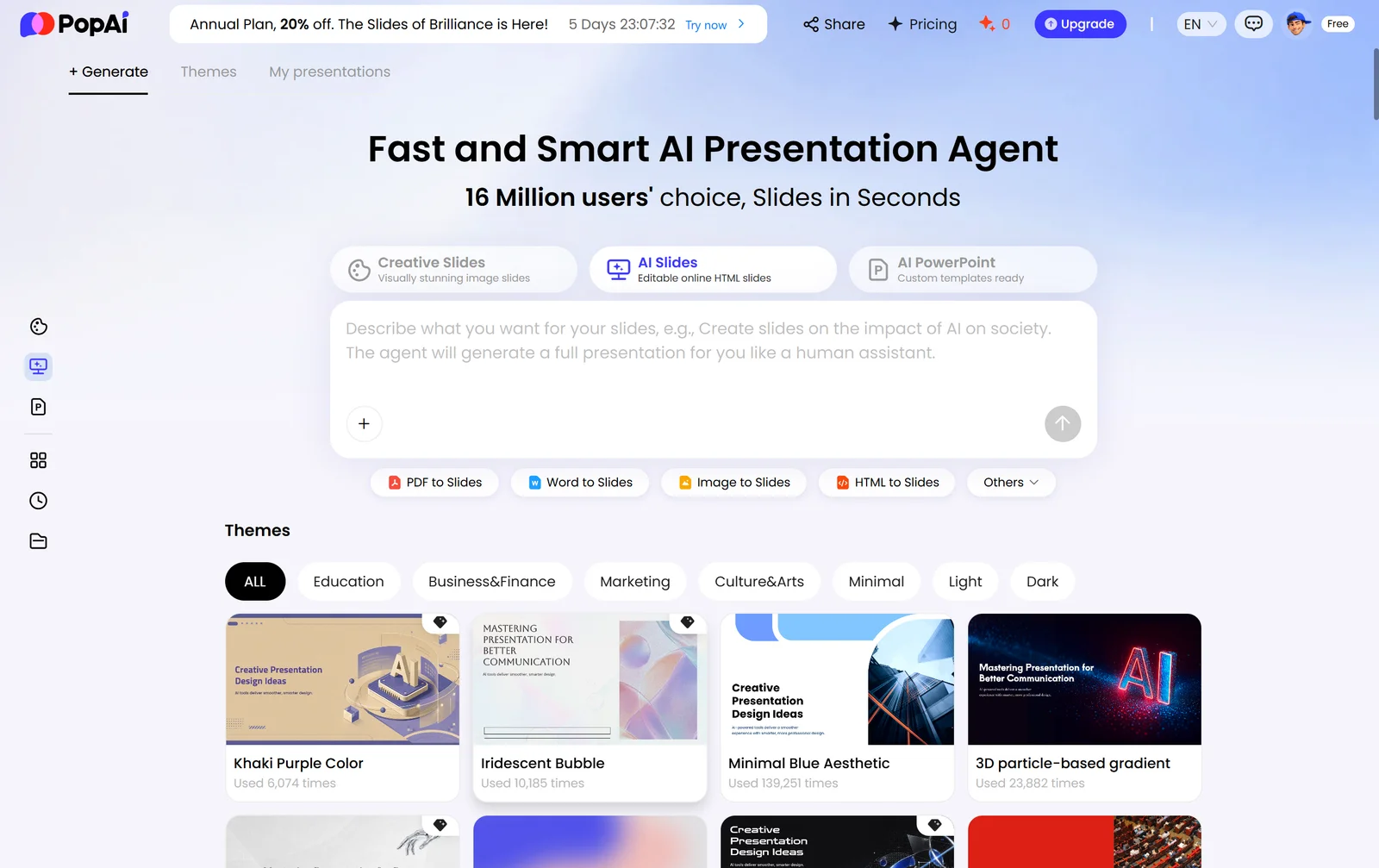
PopAi is an AI presentation maker from 01.AI in Singapore. You describe a deck in a box, an agent writes a plan and builds editable slides in the browser, and you change them with a chart editor, themes and a writing panel.
The free plan gives 250 credits. PowerPoint download is marked Plus, and I could not read the price of any paid plan.
How I Tested PopAi
Every AI presentation maker gets the same three briefs: a ten-slide quarterly review built on a table of figures, a twelve-slide teaching deck on the water cycle, and a ten-slide pitch deck from a six-page document. I ran the quarterly review and stopped there, because one deck used all the free credits. Seven of the ten tests were graded.
My tools
PopAi pros and cons
Pros
- A ten-slide deck in about two minutes
- Every figure matched my table
- Charts are real charts with a data sheet
- Free themes change the whole deck in one click
- Version history restores earlier versions
- Terms say you keep ownership of your content
Cons
- One deck used all 250 free credits
- Slides 6 to 10 are blurred on free
- Four of twelve edits worked
- The agent picked a premium theme for me
- PowerPoint export is locked
- Plans are behind a human check
PopAi Pricing
I could not read PopAi's prices. The Pricing link and the upgrade box both open a Cloudflare "Verify you are human" check in place of the plans, and I did not pass it.
PopAi plans and prices
| Plan | Price a month | |
|---|---|---|
| Free250 credits on the account; slides 6 to 10 blurred; PowerPoint marked Plus | $0 | 250 credits on the account; slides 6 to 10 blurred; PowerPoint marked Plus |
| Paid plansThe upgrade box asks for a Cloudflare human check that I did not pass | Not read | The upgrade box asks for a Cloudflare human check that I did not pass |
The free plan gives 250 credits and marks PowerPoint as Plus. I did not buy a plan, so I could not see what a paid export gives you.
PopAi Free Plan Limits
The free plan gives 250 credits, and my first deck used 347. The credit box says "347/250" and "0/250", and the cost is not shown before you press Enter, so I could not stop at 85 per cent.
I left out three tests and two briefs: use of a supplied document, brand control, export fidelity, and the water cycle and pitch decks. Every slide from page 6 shows a blurred preview, and the agent picked a premium theme for my free account.
PopAi Brief to Finished Deck
PopAi finished the ten-slide review about 129 seconds after I pressed Enter. There is no outline to confirm: the agent writes a plan in the chat, then builds, and the slides fill in from grey blocks.
That one deck used the whole free allowance, as the free plan section above shows.
PopAi Deck Structure
PopAi met six of seven: ten slides, a title, an agenda, a logical order, one idea per slide and a closing ask. Slide 9 repeats figures already shown, so it fails the no-repeats point.
Slides 6 to 10 are blurred on the free plan, with the words "Blurred preview from page 6 onward". I judged them from the plan the agent wrote, which includes a risks slide and a closing ask.
PopAi Accuracy
PopAi got every figure right. Revenue, orders, customers, tickets, the four regions, the margin and the satisfaction score all matched my table.
The only addition was a date on the title slide, "November 5, 2026". I did not count it as an error. Slides 6 to 10 were checked from the plan, not the finished slides.
PopAi Slide Design
PopAi's visible slides had two layout faults in five slides. The look is clean, with one font family, white headings on dark blue and plenty of space.
The faults are the tiny chart axis titles on slides 3 and 5. I checked five slides by eye in the editor; I did not measure text contrast.
PopAi Charts and Images
PopAi's two charts had right values. Click a chart and you get Edit Chart, a chart type menu and a value switch.
I could not check the KPI panel, because slide 6 is blurred. The glowing growth curve on the title slide suits the deck and shows no source.
PopAi Editing
Four of twelve edits worked: reorder, insert, chart data and a deck-wide theme. Change layout, regenerate, shorten and image replace need credits, and the box said "No credits remaining."
I found no speaker notes, no free movement of a chart and no step-by-step undo. Version history restores a saved version instead. The Collaborate box invites people by email, so I did not test comments.
PopAi Exports
PowerPoint export is locked. The Download box lists PowerPoint, marked Plus, and PDF, and the download button stays grey.
So I could not compare a downloaded file with the deck, and you cannot either before you pay.
PopAi Usage Rights
PopAi's terms say you keep ownership: "You retain the ownership of Your Content", and input and output both count as your content. You give PopAi a licence to use it to run the service and to show it if you share.
The refund rule is narrow: the terms give a 14-day refund to people in the European Economic Area and the UK. Questions go to customerservice@popai.pro.
Final verdict: is PopAi worth it?
PopAi is worth trying if you want a fast first draft of a business deck with your own figures kept right and charts you can edit. The deck took about two minutes and the charts opened a data sheet.
It is not the tool if you need to see or finish a whole deck on the free plan, or a PowerPoint file you do not pay for. One ten-slide deck used more than the free credits, and slides 6 to 10 stayed blurred.
The seven tests I could grade average 3.4 out of 5. I rate PopAi 3.4, the same as the average, because the accuracy and charts were strong and the editing and the free plan were weak, and I could not read the price of any paid plan.
See the PopAi test results and how I rate.
Best for: People who want a fast first draft of a deck with real charts, and who will pay before they need the whole deck or a PowerPoint file.
Video review · 2:41
Watch me test PopAi
The whole test in a few minutes, from screen recordings of the tests. Captions and the full transcript are one click away, and the video has a page of its own.
Transcript
Hi, I'm Miles. I tested PopAi hands on, on its free plan, and here's the short version. It built a ten slide business review in about two minutes, with every figure right and real charts. But that one deck used up all the free credits, and most of my edits stopped. My rating is three point four out of five, from seven tests.
So what is PopAi? It's an AI presentation maker from a company called oh one dot AI. You describe a deck in a box, an agent writes a plan and builds editable slides in your browser. I used its AI Slides mode, the one that makes editable slides.
The free plan gives you two hundred and fifty credits. My one ten slide deck used three hundred and forty seven, so the account ended on zero, and the cost is not shown before you press enter. From slide six on, the free plan shows a blurred preview, so I could see five slides.
There is no outline to confirm. The agent writes a plan in the chat, then the slides fill in from grey blocks. From pressing enter to the last slide took about two minutes, which is an average result on my scale.
I checked the deck against seven structure points and six passed. The one that failed is a recap slide that repeats figures shown earlier. Every figure on the five slides I could see, and in the plan for the rest, matched my table.
The slides look clean, with white headings on dark blue and plenty of space. I counted two layout faults in five slides, both the tiny labels on the chart axes.
Both charts are real charts. Click one and you can open a data sheet, change the chart type or turn on value labels. I changed a value and the chart followed. I could not check the key numbers slide, because it is blurred.
Only four of twelve edits worked: reorder, insert, chart data, and changing the theme for the whole deck. Changing the layout, regenerating a slide, shortening text and replacing an image all asked for credits, and I had none left. There is no step by step undo, only a version history.
PowerPoint export is locked. The download box marks PowerPoint as plus, and the button stays grey on the free plan, so I could not test export fidelity.
The terms say you retain ownership of your content, and that your input and the output both count as yours. You give PopAi a licence to run the service and to show your deck if you share it.
I could not read the prices. Both the pricing link and the upgrade box show a Cloudflare human check in place of the plans, and I did not pass it. So pricing gets the default grade of three.
PopAi is worth trying for a quick, accurate first draft with real charts. It is not the tool if you want to see or finish a whole deck on the free plan. The seven tests I could grade average three point four, and that is my rating.
Chapters · 13
Frequently asked questions
How much does PopAi cost, and is there a free plan?
Yes, free. It gives 250 credits, and my one ten-slide deck used 347. I could not read the paid prices: the upgrade box asked for a human check.
Is PopAi legit and safe?
It worked. I signed in with Google, entered no card and had no problem. The company is 01.AI in Singapore, and I did not test its support.
Who owns the decks I make with PopAi?
You do. The terms say "You retain the ownership of Your Content" and count input and output as your content, but you give PopAi a perpetual licence to use it for set purposes such as showing it if you share.
Can I export a PopAi deck to PowerPoint?
Not free. The Download box lists PowerPoint, marked Plus, and PDF, and the download button stayed grey on my free account.
What did I not test?
Two decks. The water cycle and pitch decks, brand control and export fidelity were left out because the first deck used all the credits, and I could not read the prices.

Miles FosterOwner and tester, RankDudeMiles Foster is a pen name: the owner of RankDude, a private person, runs every test himself.
Disclosure. I tested on the free demo account anyone can open on PopAi’s site. I signed up myself and paid PopAi nothing. PopAi didn’t see this review first and had no say in my rating. How RankDude makes money is on the disclosure page.