
Simplified Review: AI Presentation Maker, Pricing & My Test Results
My rating
A fast, accurate deck maker. Just no PowerPoint export.
Best for: quick decks you present or share as a PDF. Not for PowerPoint files or editable charts.

Tested and written by Miles Foster
Based on 9 graded tests and my verdict. How I rate
I tested Simplified hands-on on a free account, the way I test every AI presentation maker. I gave it three fixed briefs: a business review from a table, a lesson from one line and a pitch deck from a six-page PDF. I checked the figures and facts, applied a brand kit and tried every export. Simplified ranks #2 of the ten on my best AI presentation makers page.
Every measurement is in the Simplified test results.
My Simplified AI Presentation Maker Test Results
| Category | Grade | In short |
|---|---|---|
| Structure from a PromptClear order in all three decks | 5/5Excellent | |
| Slide DesignClean but small, pale text | 3/5Average | |
| Content AccuracyEvery figure and fact was right | 5/5Excellent | |
| Use of a Supplied DocumentEvery point of the PDF was used | 5/5Excellent | |
| Brand & Theme ControlExact colours, wrong body font | 2/5Below average | |
| Charts & ImagesOne extra chart drew no bars | 3/5Average | |
| Export FidelityPDF and pictures only, no PowerPoint | 1/5Poor | |
| SpeedDecks in three to five minutes | 3/5Average | |
| Pricing & ValueA paid plan under twenty dollars | 3/5Average | |
| My verdict | +0.8 | |
| Overall | 4.1/5Good |
What Is Simplified?
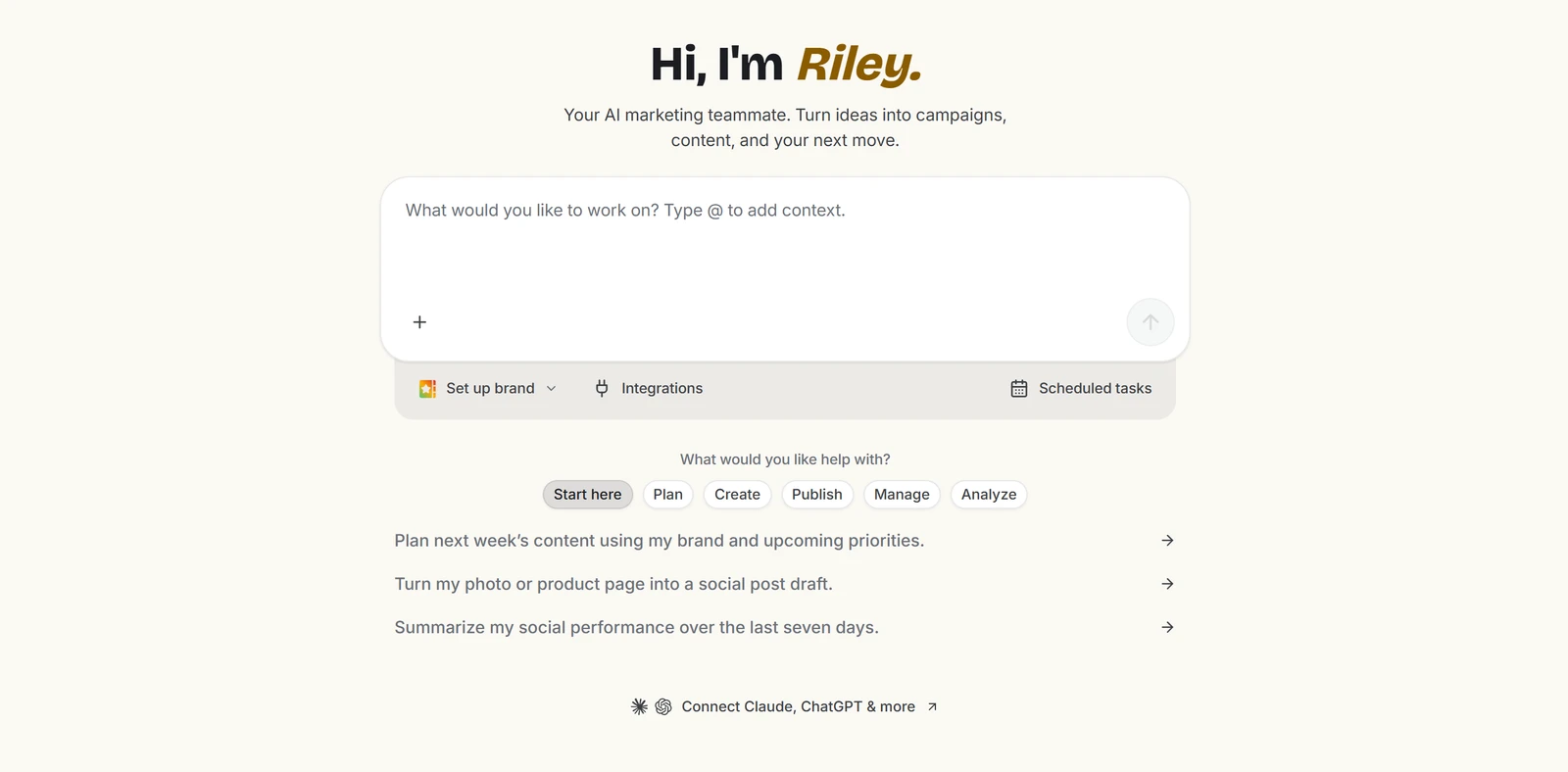
Simplified is a marketing platform with an AI agent called Riley. You write what you want, attach a table, a PDF or a logo, and Riley builds posts, designs and slide decks.
The free account gave me 1,000 AI credits. Paid plans start at $19 a month paid yearly.
How I Tested Simplified
Every AI presentation maker gets the same three briefs, a table of figures, a one-line topic and a six-page PDF, and one brand kit. I ran all three decks and tried every export. I could not check the twelve edits, so nine of ten tests count.
My tools
Last checked 12 Nov 2026Simplified pros and cons
Pros
- Every figure was right
- All 15 PDF points used
- Exact brand colours applied
- Every deck in under six minutes
- Clear order in all three decks
- Pay As You Go is free to start
- Paid plan from $19 a month
Cons
- No PowerPoint export
- Extra chart drew flat lines
- Body font ignored the brand kit
- PDF pages are pictures
- Small, pale text
- No images in any deck
Simplified Pricing
The cheapest paid plan is Pro at $19 a month paid yearly, or $29 billed monthly. Business is $49 a month paid yearly. Both start with a 7-day trial.
Simplified plans and prices
Live data· last check 12 November 2026| Plan | Price a month | |
|---|---|---|
| Pay As You GoAll non-AI features free, AI billed as you use it | $0 | All non-AI features free, AI billed as you use it |
| ProPaid yearly: 7 social accounts, 1 seat, 10K AI credits | $19 | Paid yearly: 7 social accounts, 1 seat, 10K AI credits |
| BusinessPaid yearly: 15 social accounts, 3 seats, 30K AI credits | $49 | Paid yearly: 15 social accounts, 3 seats, 30K AI credits |
- Pro and Business per-month prices are not printed in the page text
- Add-ons: extra social account $5/month, extra users $10/month
- Starter at $79/month appears only in comparison text, not as a plan card
I did not buy a plan, so renewal prices were not seen.
Simplified Free Plan Limits
The free account held 1,000 AI credits. Simplified says AI features on the free Pay As You Go plan are billed as you use them.
I had run a first round of the same tests earlier that morning, so six decks cost 371 credits in all. The three decks in this review used 195 of them.
Simplified Brief to Finished Deck
Simplified built the water cycle deck in 2.7 minutes and the pitch deck in 3.3 minutes. The business review took 5.4 minutes.
The clock runs from my confirming the outline. The agent asks a question or two on the way, so I answered each at once. The decks cost 57, 68 and 70 credits.
Simplified Deck Structure
Simplified gave all three decks a clear order and scored 21 of 21 structure points. Slide counts were right, and each deck had an opening, one idea per slide and a closing.
Simplified Content Accuracy
Simplified got every figure right on the business review and invented nothing. Revenue, margin, satisfaction, monthly counts and all four regions matched my table.
The water cycle deck held no errors either. The agent itself says it could not check how the slides look.
Simplified Slide Design
Simplified's slides are tidy but have twelve faults in 32 slides, mostly pale grey text under the contrast a reader needs.
Body text is small and the lower half of many slides is empty. None of the 32 slides had a picture.
Simplified Charts and Images
Simplified drew the three requested charts correctly: the bars by region, the line chart and the KPI slide. But the extra support tickets chart it added showed flat lines with no bars.
The charts are drawn inside the slide, not as editable chart data. No deck used any image.
Simplified Editing
I could not grade editing. I sent seven of the twelve edits to the agent, and each reply said it was done.
Before I could open the deck and check the results, the Simplified app stopped loading and stayed on its loading screen after every reload. So I confirmed none of the seven and did not run the five edits that need the editor by hand.
Simplified Brand and Theme Control
Simplified used my brand colours exactly, navy 0B3C5D and amber F2A900, and my logo. But body text on all ten slides was Inter, not my font Montserrat.
I gave the kit in my message with the outline and did not try Simplified's own Brand page. The tool makes HTML decks, so there is no PowerPoint template to import.
Simplified Use of a Supplied Document
Simplified used 15 of 15 points from my six-page PDF and made nothing up. The seed round, the split of funds, the churn and the team all reached the 10-slide deck.
Simplified Exports
Simplified exports only PDF and PNG. There is no PowerPoint file and no Google Slides export.
The PDF has 10 pages made of pictures, so I found no text you can select. The PNG zip holds 10 pictures at 3840 by 2160.
Simplified Usage Rights
Simplified's terms say you keep ownership of what you post: "You retain full ownership of all of your Contributions". They also give Simplified a broad licence to use it.
The licence is "unrestricted, unlimited, irrevocable, perpetual". I found no sentence about decks the AI makes. Questions go to hello@simplified.com.
Simplified Reviews: What Other Users Say
Trustpilot shows Simplified at 4.6 out of 5 from 659 reviews, read on 5 November 2026.
Most of the bars sit at five stars. Trustpilot says it does not fact-check reviews, and the company has not recently asked customers for reviews.
Final verdict: is Simplified worth it?
Simplified is worth trying if you want a fast, accurate deck from a brief, a table or a PDF. It got every figure right and used every point of my document.
It is not the tool if you need a PowerPoint file, an editable chart or pictures in your slides. You can share a PDF or pictures, nothing more. I could not check the editing, because the app stopped loading.
The nine tests I could grade average 3.3 out of 5. I rate Simplified 4.1 because the free account, with no card, let me run nine of the ten tests, and every deck came out accurate and in order at the first attempt. The low grades are for what it cannot export, not for what it got wrong.
See the Simplified test results and how I rate.
Best for: People who want a quick, accurate deck from a brief, a table or a PDF, and who can present it or share it as a PDF.
Video review · 2:32
Watch me test Simplified
The whole test in a few minutes, from screen recordings of the tests. Captions and the full transcript are one click away, and the video has a page of its own.
Transcript
Hi, I'm Miles. I tested Simplified hands on, on a free account, and here's the short version. Its agent built three decks in under six minutes each, got every figure right and used all fifteen points of my PDF. But you can only export PDF and pictures, never PowerPoint, and I couldn't check the editing. My rating is four point one out of five, from nine tests.
So what is Simplified? It's a marketing platform with an AI agent called Riley. You write a brief, attach a table, a logo or a PDF, and Riley builds the deck. The free account gave me a thousand credits.
The credit panel shows six hundred and twenty nine left. That's after six decks in one morning, a first round and then these three. The three decks in this review used one hundred and ninety five credits.
Now the speed. The water cycle deck took two point seven minutes from my confirming the outline, the pitch deck three point three, and the business review five point four. The median is three point three minutes.
The structure was full marks, twenty one of twenty one points. And every figure was right. Revenue, margin, the monthly numbers and all four regions matched my table, and nothing was invented.
The design is tidy but not perfect. I counted twelve faults in thirty two slides, mostly pale grey text that's too light to read easily. Body text is small, the lower half of many slides is empty, and there are no pictures.
I asked for three charts and all three were right. But the agent added a support tickets chart of its own, and it drew flat lines, no bars. None of the charts are editable data.
For brand, the exact navy and amber came through, and the logo appeared on the first and last slides. But the body text was Inter, not my font, Montserrat, on all ten slides. So that scores two.
I gave it a six page PDF about a coffee roaster. All fifteen key points reached the pitch deck, and nothing was made up. That's a full five.
Exports are the weak spot. The menu offers PDF and PNG, and that's all. No PowerPoint, no Google Slides, and the PDF pages are pictures.
On rights, the terms say you keep ownership of what you post, and they give Simplified a broad licence to use it. I found nothing about decks the AI makes.
Pricing. Pay As You Go is free to start. Pro is nineteen dollars a month paid yearly, and Business forty nine. No plan exports PowerPoint, so I graded Pro.
So, is Simplified worth it? Yes, if you want a fast, accurate deck you present or share as a PDF. The nine tests average three point three, and I rate it four point one, because the free account let me run nine of ten tests.
Chapters · 14
Frequently asked questions
How much does Simplified cost, and is there a free plan?
Yes, free. Pay As You Go charges only for AI use, and my free account held 1,000 credits. Pro is $19 a month and Business $49 a month, both paid yearly.
Is Simplified legit and safe?
Yes, it worked. I signed in with Google, entered no card and had no problem with the account. Trustpilot shows 4.6 out of 5 from 659 reviews, read on 5 November 2026.
Who owns the decks I make with Simplified?
Not stated. The terms say you keep ownership of your Contributions and give Simplified a broad licence to use them. I found no sentence about decks the AI makes. Ask hello@simplified.com if it matters.
Can Simplified export PowerPoint files?
No. The menu offers Export PDF and Export PNGs only. The PDF pages are pictures, so the text cannot be selected.
What did I not test?
The edits. The app stopped loading before I could check them, so editing has no grade. I did not import a template, buy a plan or test collaboration.

Miles FosterOwner and tester, RankDudeMiles Foster is a pen name: the owner of RankDude, a private person, runs every test himself.
Disclosure. I tested on the free demo account anyone can open on Simplified’s site. I signed up myself and paid Simplified nothing. Simplified didn’t see this review first and had no say in my rating. How RankDude makes money is on the disclosure page.