
Edubrain Review: AI Study Tool, Pricing & My Test Results
My rating
Accurate on almost everything. Free answers are bare and slow.
Best for: free answers, flashcards and summaries. Not for learning the steps.

Tested and written by Miles Foster
Based on 8 graded tests and my verdict. How I rate
I tested Edubrain hands-on on its free plan as an AI study tool. I asked it 60 fixed questions, made flashcards and a 20-question quiz from a short text, summarised a lecture and a chapter, uploaded six kinds of file and opened it at phone size. Edubrain ranks #5 of the ten on my best AI study tools page.
Every measurement is in the Edubrain test results.
My Edubrain Test Results
| Category | Grade | In short |
|---|---|---|
| Answer & Explanation AccuracyNearly every answer was right | 5/5Excellent | |
| Flashcards & Quizzes From a SourceGood cards, but the quiz key is wrong | 3/5Average | |
| Summarising a Lecture or PDFBoth summaries kept every key point | 5/5Excellent | |
| Uploaded Document & Notes HandlingPDF, Word, image and audio all worked | 3/5Average | |
| Subject CoverageStrong in all three subject groups | 5/5Excellent | |
| Mobile & App ExperienceMostly fits a phone, no app found | 2/5Below average | |
| Free-Tier LimitsFree to use, but with ads and waits | 4/5Good | |
| Pricing & ValueCheap each week, costly each month | 3/5Average | |
| My verdict | +0.6 | |
| Overall | 4.4/5Good |
What Is Edubrain?
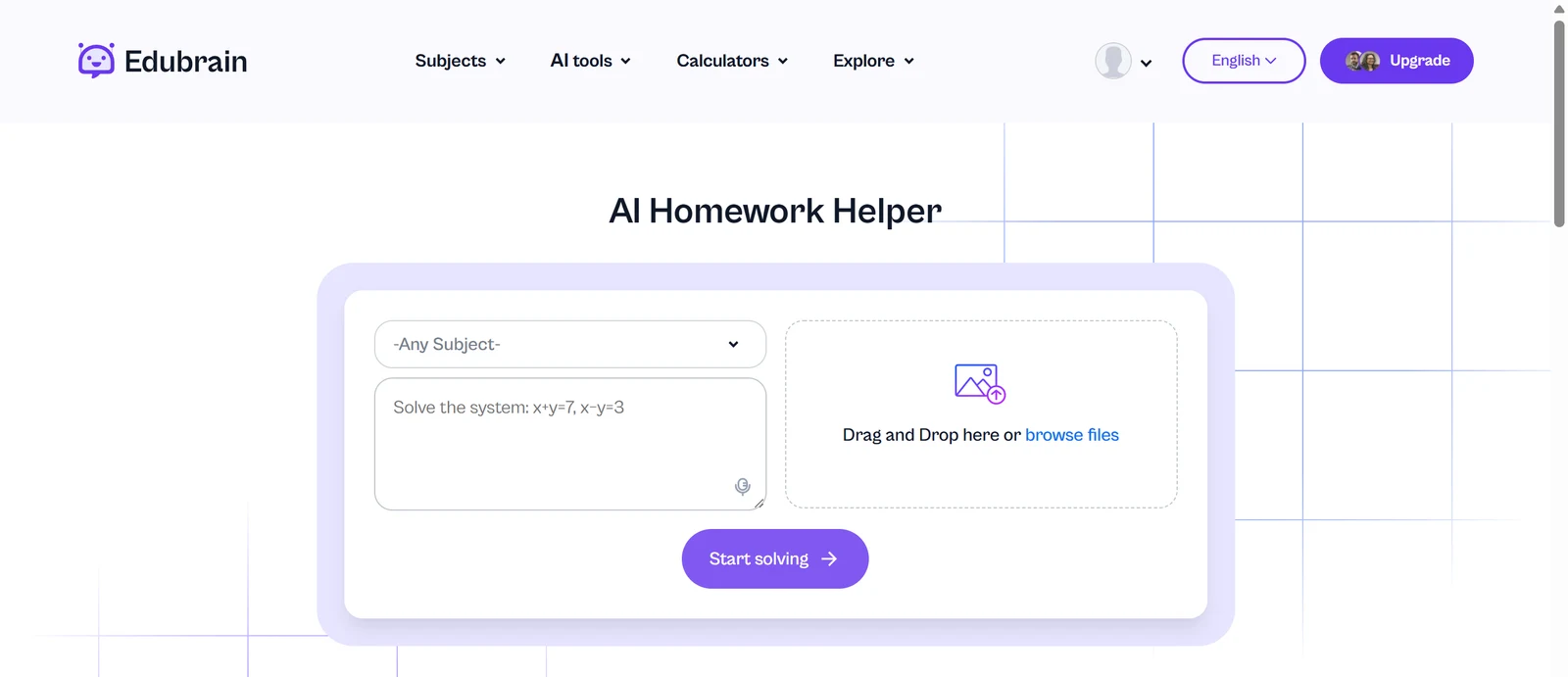
Edubrain is an AI homework helper and study toolkit run by Pixella Rise Ltd of Cyprus. You type a question or add a file, and it answers, or it makes flashcards, quizzes, notes and summaries. It runs in the browser at edubrain.ai.
Its home page says you need no sign-up. I signed in with Google and studied on the free plan. The site also sells human help from experts, which I did not use.
How I Tested Edubrain
Every study tool gets the same questions and the same text, with the answers written down before the tool is opened. Edubrain's free plan let me grade eight of ten tests, and I left two out.
My tools
- Study question set59 of 60 answers right
- Study source quiz check11 of 20 items usable at default settings
- Study upload checker6 of 10 points that worked
- Study phone check4 of 10 phone points that worked
How each tool works: Study question set, Study source quiz check, Study upload checker, Study phone check.
I left out step-by-step explanations and citations. The free plan gave steps for one answer only, and its answers carry no sources, so there was nothing fair to grade.
Edubrain pros and cons
Pros
- 59 of 60 fixed answers right
- Both summaries kept all key points
- All 11 flashcards usable
- Exports to PDF, CSV and Anki
- No daily limit on free
- Reads PDF, Word, images and audio
Cons
- Free answers are bare
- Default quiz key marks false options
- About 50 seconds per answer
- Slides and links not accepted
- Weekly plan renews on its own
- One review on Trustpilot
Edubrain Pricing
- Pricing & Value
- 3/5Average
Edubrain's paid plan, AI-Plus, costs $3.99 a week, which is about $17 a month, and it renews every week until you cancel. It removes the ads you see and adds advanced reasoning.
Edubrain plans and prices
Live data· last check 12 November 2026| Plan | Price a month | |
|---|---|---|
| Free planUnlimited use with ads, all AI tools, downloads | $0 | Unlimited use with ads, all AI tools, downloads |
| AI-PlusNo ads, advanced reasoning, per week | $3.99 | No ads, advanced reasoning, per week |
- Price shown is $3.99 per week, not per month
- Expert help is from $3.99 and is a separate service, not part of the plan
- Cancel anytime; renewal email sent 2 days before renewal
The subscription policy says fees are not refunded and that you cancel by emailing support@edubrain.ai. The page promises you an email two days before each renewal. I bought nothing.
Edubrain Answer Accuracy
- Answer & Explanation Accuracy
- 5/5Excellent
- Subject Coverage
- 5/5Excellent
Edubrain answered 59 of 60 of my fixed questions correctly, 20 of 20 in maths and science, 20 of 20 in history and literature and 19 of 20 in general knowledge. It gave 3x + 7 = 25 as x = 6 and the area of a circle of radius 5 as 78.54.
The one miss was the country with the largest population, where my first ask got China. When I asked again for this picture, it said India, which is right. Nothing it said was made up.
Free answers are short. You get a bare word or number, such as Au for the symbol of gold, with no working shown.
Edubrain Flashcards and Quizzes
- Flashcards & Quizzes From a Source
- 3/5Average
Edubrain's flashcard maker turned my 170-word canal text into 11 usable flashcards, but its quiz maker marked a wrong option as correct in 19 of its 20 questions. The cards each gave a term, a meaning and an example from the text, with no wrong facts.
The quiz made 20 questions that were all answerable from the text. At its default Multiple Choice setting, the key marked two options correct for each, one of them false. For the date the canal opened, it ticked both 14 May 1793 and 2 November 1921.
A second quiz set to Single Choice had a correct key on all 20 questions. The 11 usable cards and the 9 default-mode questions I counted make 11 of 20 usable at the default setting. The cards missed the closing date, which the quiz covered.
Edubrain Summaries
- Summarising a Lecture or PDF
- 5/5Excellent
Edubrain's summarizer kept all 10 key points of both my 565-word lecture and my 432-word chapter and added no wrong facts. It named the engineer, the 31 locks, the 1849 railway, the 1971 volunteers and the 212 water voles from the lecture.
It took about a minute and used labels like BLUF, an army term for the bottom line, that you may not know. A banner said the result is 100% AI generated and cannot be handed in as it is.
Edubrain Document Uploads
- Uploaded Document & Notes Handling
- 3/5Average
Edubrain read four kinds of file, a PDF, a Word file, a picture of notes and an audio file, but it refused a slide deck. Each result matched the file: the irrigation chapter from the PDF and Word file, and biology notes from the picture.
The 42-page PDF came back with a warning that only part of the file was processed, so I did not count it, while it still returned facts from the study-pack pages. The audio note-taker turned a short lecture recording into study notes. It also added a maths section about the lighthouse light that the recording did not hold.
Flashcards export to PDF, CSV and Anki. There is no link or YouTube box, and each tool takes one file at a time.
Edubrain on a Phone
- Mobile & App Experience
- 2/5Below average
At phone size Edubrain's quiz and flashcards worked with big buttons, and four of five pages fitted the screen, but a saved summary page was wider than the screen and cut a line off. Some small labels on the home page were only 8 pixels high. I ran the phone check twice and counted the second run.
I found no App Store or Google Play link, no reminders and no offline mode. I checked by browser emulation, not on a real phone, and I did not try uploading notes from the phone window.
Edubrain Free Plan Limits
- Free-Tier Limits
- 4/5Good
Edubrain's free plan has no daily limit: I ran 67 questions, six uploads, five generations and two quizzes without a wall or a card. What it holds back is steps, speed and ads.
My first answer was a Premium one with full working. A pop-up then said, "Your Premium answer is used," and every later answer was a bare result with a placeholder for the Premium version, even when I asked it to explain every step.
You wait a median of 49 seconds for each answer, behind three ad slots and Go Premium offers. Of seven extra method problems, two were wrong: it gave 830 for the sum of 20 terms that is 820, and a wrong number in a quotient-rule answer.
Final verdict: is Edubrain worth it?
Edubrain is worth using as a free helper for answers, flashcards and summaries. Almost everything it produced was right, and I never hit a limit.
It is a poor fit if you want to learn the steps, because only the first free answer had them, or if you will use its default quiz without checking the key. The wait behind ads also adds up over a study session.
The eight tests average 3.8 out of 5. I rate Edubrain 4.4, because the free plan let me run 8 of the 10 tests without paying, and almost everything it gave me was right.
See the Edubrain test results and how I rate.
Best for: A student who wants free answers, flashcards and summaries and can accept ads and a wait.
Video review · 4:13
Watch me test Edubrain
The test with screen recordings: the questions, the cards, the quiz, the summaries, the uploads and the prices. Captions and the full transcript are one click away, and the video has a page of its own.
Transcript
Hi, I'm Miles. I tested Edubrain on its free plan, with sixty fixed questions, a short text about a canal, a lecture and a chapter. Here's the short version. Almost everything it gave me was right, and the free plan has no daily limit. The catch is that only your first answer has steps, and every answer waits about fifty seconds behind ads. My rating is four point four out of five, from eight tests.
So what is Edubrain? It's a homework helper with study tools built in. You type a question or add a file, and it answers, or makes flashcards, quizzes, notes and summaries. You can use it without an account, or sign in with Google.
First, accuracy. I asked all sixty questions, and fifty nine answers were right, twenty of twenty in maths and science, twenty of twenty in history, and nineteen of twenty in general knowledge. The one miss was the most populated country, where my first ask got China. Nothing was made up.
Next, flashcards and a quiz from one short text. All eleven flashcards were correct. But the quiz is the catch. At its default setting, its own answer key ticks a false option as correct in nineteen of twenty questions. For the opening date, it ticks both the right year and the closing date. Switch to single choice and the key was right.
The summaries were the best part. I gave it a lecture and a chapter, and each summary kept all ten key points, with no wrong facts added. Each took about a minute.
On uploads, a PDF, a Word file, a picture of notes and an audio recording all worked; the forty two page PDF came back with a warning that only part of it was processed. Flashcards export to PDF, CSV and Anki. But a PowerPoint file was refused, there's no link box, and you can only add one file at a time.
On a phone sized window, the quiz and flashcards have big buttons, and four of five pages fit, but a saved summary runs wider than the screen. I found no app store link, no reminders and no offline mode, and I checked by emulation, not on a real phone.
Now the free plan. It has no daily limit I could find, and no card. But my first answer was the only one with steps. After that, a pop up said the next answers will be basic, and they were bare results. You also wait around fifty seconds each time, behind ads.
On pricing, AI-Plus costs three ninety nine a week, about seventeen dollars a month, and it renews every week.
Fees aren't refunded, and you cancel by email. I bought nothing. My verdict: worth using as a free helper for answers, flashcards and summaries. It's a poor fit if you want to learn the steps, or if you'll trust the default quiz key. The eight tests average three point eight. I rate it four point four, because the free plan let me run eight of ten tests. The full results are on the test results page.
Chapters · 12
Frequently asked questions
How much does Edubrain cost, and is there a free plan?
Yes, free. With ads, the free plan has no daily limit I could find. AI-Plus is $3.99 a week and renews weekly.
Is Edubrain accurate?
Mostly. It answered 59 of 60 fixed questions right and summarised two texts with no errors. Its default quiz key marks a false option correct.
Can Edubrain make flashcards and quizzes from my notes?
Yes. I got 11 usable flashcards and a 20-question quiz from a short text. Use Single Choice, because you get a correct key there.
Is Edubrain legit and safe to use?
Yes, so far. I signed in with Google, entered no card and was never charged. Trustpilot shows 3.2 from one review, so there is little outside feedback.
Does Edubrain have a mobile app?
Not found. Most of the site fits a phone-size window, which I checked by emulation; one saved page was wider than the screen. I saw no app store link.

Miles FosterOwner and tester, RankDudeMiles Foster is a pen name: the owner of RankDude, a private person, runs every test himself.
Disclosure. I tested on the free demo account anyone can open on Edubrain’s site. I signed up myself and paid Edubrain nothing. Edubrain didn’t see this review first and had no say in my rating. How RankDude makes money is on the disclosure page.