
What is an AI music generator?
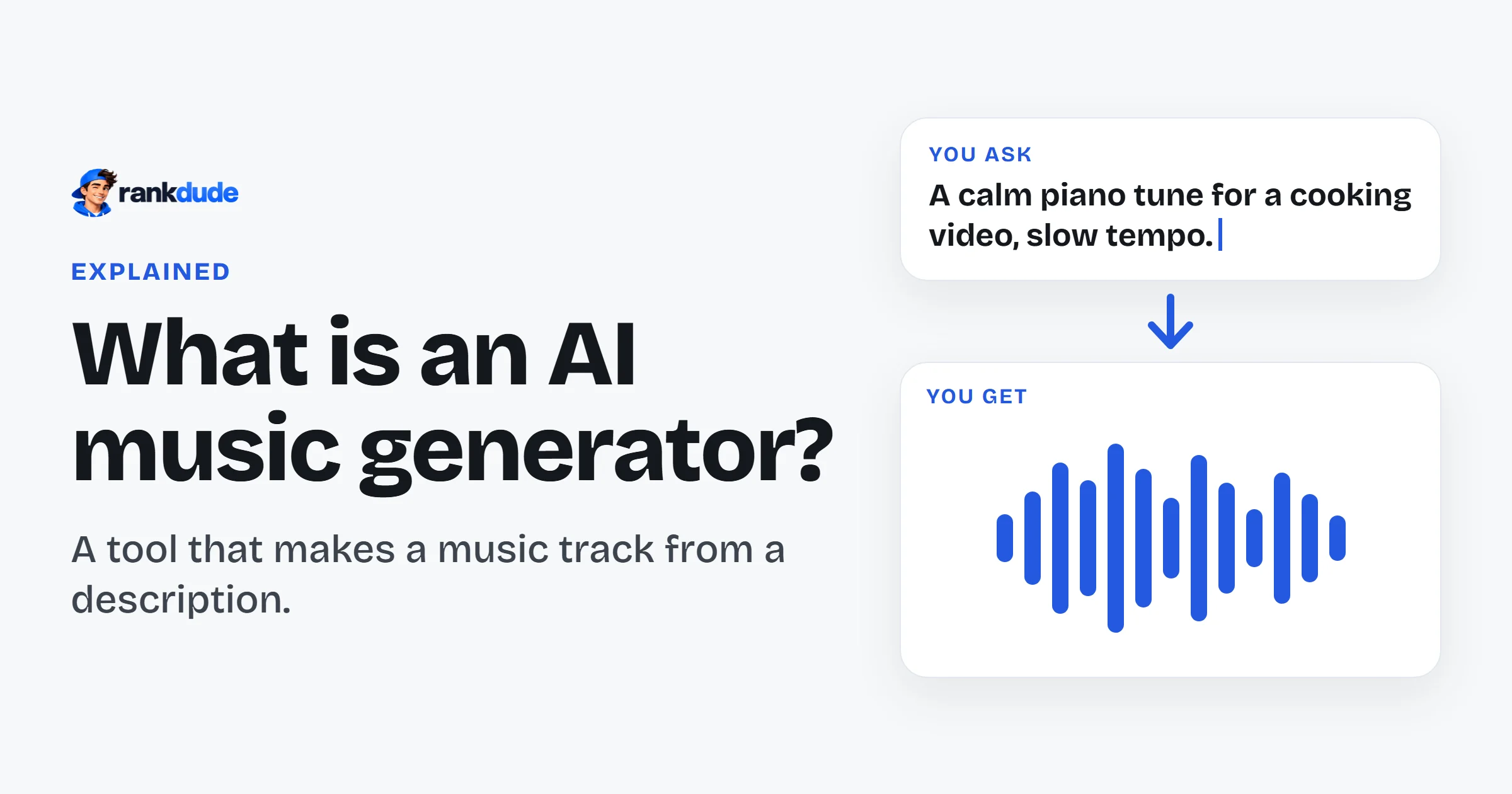
An AI music generator is a tool that makes a music track from a short written description. You type the kind of music you want, such as a calm piano tune or a fast dance beat. The AI makes a new track that you can play at once. You do not need to play an instrument.
By Miles FosterFigures updated
Key facts
- Good sound: 6 of the 6 generators whose sound I could grade got a high grade for it.
- Cheap to start: prices begin at $4.50 a month, and there are free plans.
- Free has limits: on a free plan you often cannot download the track or use it for work.
How does an AI music generator work?
You describe the music in words, and the AI makes the track. Then you listen, try again or download it.
It works in four steps.
You describe the music
This text is called a prompt. You name the style, the mood, the speed and the instruments. Some tools also let you write the words for a singer.
You choose the settings
Some generators let you set the length of the track or choose between a song with singing and music without a voice.
The AI makes the track
The AI has learned from a very large amount of music. It uses what it learned to make a new track that fits your words. Many tools give you two versions to choose from.
You listen and download
You play the track in your browser. If you like it, you download it as a sound file. On many tools the download needs a paid plan.
Can you download AI music for free?
Often you cannot. On many free plans you can listen to the track, but you cannot keep the file.
I tested every generator on its free plan, with no payment card. I wanted to know what a new user really gets. So after each track was ready, I pressed the download button and checked the file.
This was the weakest test of all. I graded 8 generators on downloads and file types, and 8 of them got a low grade. On several tools the download button opened a window that asked me to subscribe. I got no file at all.
Where a free download did work, it was limited. One tool allowed one download a day. Better sound files were locked on the free plan. So try the download button early, before you spend time on a track you cannot keep.
What is an AI music generator good at, and bad at?
It makes clean music quickly. But on a free plan it is hard to edit the track, to download it or to use it for work.
I have tested 10 AI music generators. I wrote one set of prompts before I opened any tool. Each prompt names a style, a mood, a speed and instruments. I used each prompt once and kept the first track.
The good part came first. The music sounded clean. 6 of the 6 generators whose sound I could grade got a high grade. Speed was mixed. Many tracks were ready in under a minute, but some waits were long.
Then I tried to work with the tracks. That was much harder. I checked what I could do after a track was made: change one part, make it longer, or download the instruments as separate files. On the free plans, 10 of the 10 generators got a low grade for this. Most of these features needed a paid plan or extra credits.
I also listened to the endings. Some tracks did not end like a piece of music. They stopped suddenly when they reached the length limit.
So the lesson is simple: the AI can make a good track fast, but check what you can do with it before you choose a tool. You can see how I test on the AI music generator methodology page.
Who should use an AI music generator?
People who need a quick track and do not make music themselves: background music for a video, a short tune or an idea to try.
It is useful for people who make videos, podcasts or presentations and need music behind them. Musicians also use it to try an idea before they record it.
Be careful before you publish or sell the music. Most free plans I read allow personal use only. Several tools say that they keep rights to the tracks they make. The rules are different from tool to tool, so read the tool's terms and its licence first.
How much does an AI music generator cost?
From $4.50 a month. A typical price is $9.16 a month. Many generators also have a free plan.
I check the prices of 10 generators every day. Here is the cheapest plan of each one.
| Tool | Cheapest price |
|---|---|
| MiniMax MusicHas a free plan | $4.50 |
| Eleven MusicHas a free plan | $6 |
| BeMusicHas a free plan | $7.20 |
| LoudlyHas a free plan | $8 |
| MusicAIHas a free plan | $8.33 |
| Somio AIHas a free plan | $9.99 |
| OpenMusic AIHas a free plan | $10.49 |
| AIVAHas a free plan | $11 |
| AirMusicHas a free plan | $11.90 |
| MakeBestMusicHas a free plan | $14.90 |
Tool
- MiniMax MusicHas a free plan
- Cheapest price
- $4.50
- Eleven MusicHas a free plan
- Cheapest price
- $6
- BeMusicHas a free plan
- Cheapest price
- $7.20
- LoudlyHas a free plan
- Cheapest price
- $8
- MusicAIHas a free plan
- Cheapest price
- $8.33
- Somio AIHas a free plan
- Cheapest price
- $9.99
- OpenMusic AIHas a free plan
- Cheapest price
- $10.49
- AIVAHas a free plan
- Cheapest price
- $11
- AirMusicHas a free plan
- Cheapest price
- $11.90
- MakeBestMusicHas a free plan
- Cheapest price
- $14.90
BeMusic renews at $12 a month, as its pricing page states.
A listed price is the lowest price shown on the pricing page, which is often for a yearly or longer term. Each price links to its full history.
Most plans give you credits, and each track uses some of them. Ask how many tracks a plan pays for, and if downloads and use for work are included.
Prices change often, so check the price again before you pay. You can see every change on the price tracker.
How popular are AI music generators?
Very popular: people search Google for "ai music generator" 301,000 times a month.
The numbers keep moving. The music generator sites I track got 5.6 million visits from Google in October 2026. That is 41.2% more than a year earlier.
WorldVisits from Google to AI music generators, worldwide
Visits from Google search each month, to October 2026.
Suno, Google Flow Music and Udio are the biggest. Smaller names move too: Makesong went from 8,812 visits to 29,886 in one year.
I follow these numbers every month on the AI music generator statistics page.
How to choose an AI music generator
Do these five checks before you pay.
See what the free plan pays for
On some tools the free credits covered only one song. Check how many tracks you can make before you start.
Try the download button early
On some tools it did nothing, or it asked for a subscription. Test it with your first track.
Read the licence
Most free music is for personal use only. If the track is for work, check which plan allows that.
Ask how long your tracks are kept
Some tools delete free songs after a few days. Save what you want to keep.
Listen to the ending
Play each track to the end. Some stop suddenly at the length limit.
Which AI music generators have I tested?
10 generators so far. Every one got the same prompts and the same tests.
You can see them in order, with my grades, on the best AI music generators page. Every tool I know is on the list of AI music generators.
AI music generator FAQ
Are AI music generators free?
Many are free to try. 22 of the 36 tools on my list have a free plan. But a free plan often does not let you download the track. You can find more on the list of free AI music generators.
Can I use AI music in my videos?
It depends on the tool and on your plan. Many tools allow use for work only on a paid plan. Read the tool's licence before you publish a video with the music.
Can an AI music generator make a song with singing?
Yes, some can. Some tools make only music without a voice. Others also write the words and add a singer.
Do I need to know music to use one?
No. You describe the music in normal words. It helps to name the style, the mood and the instruments you want.