
What is an AI image generator?
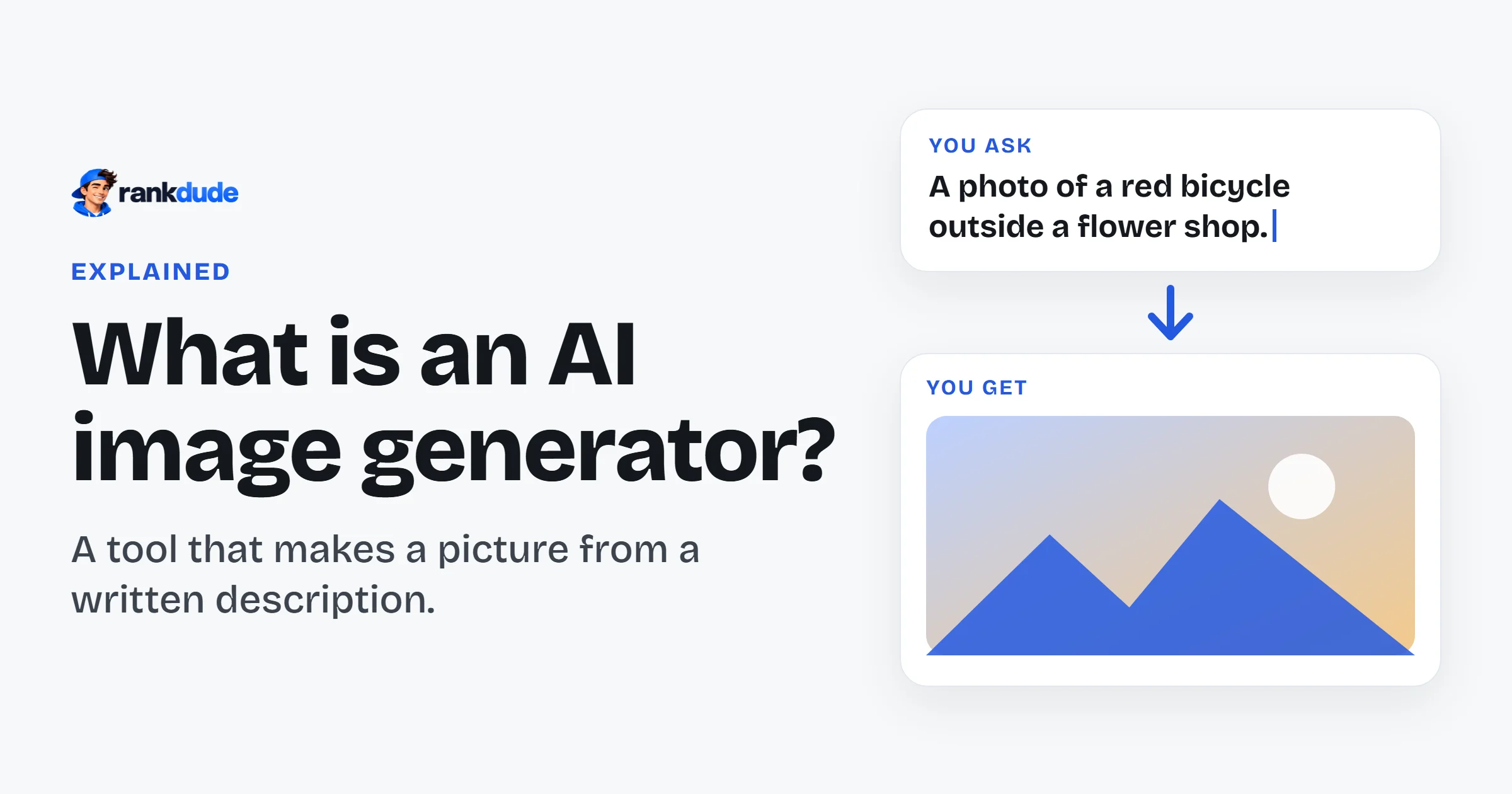
An AI image generator is a tool that makes a picture from a short written description. You type what you want to see, such as a photo of a product or a drawing of a cat. The AI draws a new image in a few seconds. You do not need to know how to draw or use a camera.
By Miles FosterFigures updated
Key facts
- Good at following you: 12 of the 15 generators I tested got a high grade for drawing what I asked for.
- Cheap to start: prices begin at $1 a month, and many generators have a free plan.
- Read the terms: the rules on who may use the picture are often the weak point.
How does an AI image generator work?
You describe the picture in words, and the AI draws it. Then you keep it, change it or try again.
It works in four steps.
You write a description
This text is called a prompt. You say what is in the picture, and often the style too: a photo, a watercolour painting, a cartoon.
You choose the settings
Most generators let you pick the shape of the picture, such as square or wide. Some also let you pick a style or upload a picture as an example.
The AI draws the picture
The AI has learned from a very large number of pictures and their descriptions. It uses what it learned to draw a new image that fits your words. This usually takes some seconds.
You download it or try again
If the picture is not right, you change the prompt and run it again. Each new picture can use up credits, which are the units a plan gives you to spend.
Can an AI image generator write words in a picture?
Sometimes. Short words are often right, but small or long text is often wrong. Check every letter.
People often want a poster, a shop sign or a label with real words on it. So I made this a test of its own. I asked each generator for pictures with exact wording, from a single word on a label to a full line on a poster. Then I checked every word.
8 of the 14 generators I graded on this test got a high grade. The others made mistakes that a customer would see.
The pattern was clear. A big, short word on a sign usually came out right. Small lettering was the problem. Several generators wrote letters that looked like words but were not. Some also invented the text on small signs and labels.
What is an AI image generator good at, and bad at?
It is good at drawing what you ask for, and it is fast. It is weaker on small details and on clear rules for using the picture.
I have tested 15 AI image generators. Each one got the same written prompts: people, products, exact wording, busy scenes and different styles. I kept the first image of every prompt and counted each detail I had asked for.
The good part came first. Most generators drew what I asked for. 12 of the 15 got a high grade for it. Portraits and product photos often looked natural.
Then I counted the objects. Busy scenes were harder. When I asked for an exact number of things, several generators drew the wrong number. Some also put invented marks on objects such as a watch or a bottle.
The weakest part was not the picture at all. It was the rules. I read the terms of every tool and checked the files I downloaded. 10 of the 15 generators got a low grade here. Some gave no right to use free images for work. Some said that free images belong to everyone. One did not say if my pictures are used to train its AI.
So the lesson is simple: the picture is the easy part. Look at it closely, and read the terms before you use it. You can see how I test on the AI image generator methodology page.
Who should use an AI image generator?
People who need a new picture quickly and cannot draw or photograph it themselves.
That can be a picture for a blog post, a social media post, a presentation or a first idea for a design. It is also a simple way to try a style before you pay an artist or a photographer.
It is less useful when every detail must be exact, such as a real product with its real label. The AI draws something new each time, so small details can change or be wrong.
If you plan to use a picture for work, check the tool's terms first. The rules on who owns the image and where you may use it are different from tool to tool.
How much does an AI image generator cost?
From $1 a month. A typical price is $9 a month. Many generators also have a free plan.
I check the prices of 15 generators every day. Here is the cheapest plan of each one.
| Tool | Cheapest price |
|---|---|
| PokecutHas a free plan | $1 |
| Pixlr | $2.49 |
| PicWishHas a free plan | $4.99 |
| PicLumenHas a free plan | $6.09 |
| Artbreeder | $7.49 |
| Decohere AIHas a free plan | $7.99 |
| Let's EnhanceHas a free plan | $9 |
| AnimeGeniusHas a free plan | $9 |
| Deep Dream GeneratorHas a free plan | $9 |
| VheerHas a free plan | $9.99 |
| Mage | $10 |
| Leonardo.AiHas a free plan | $12 |
| ImagineArtHas a free plan | $13 |
| ComfyUI | $16 |
| Flux AIHas a free plan | Not read |
Tool
- PokecutHas a free plan
- Cheapest price
- $1
- Pixlr
- Cheapest price
- $2.49
- PicWishHas a free plan
- Cheapest price
- $4.99
- PicLumenHas a free plan
- Cheapest price
- $6.09
- Artbreeder
- Cheapest price
- $7.49
- Decohere AIHas a free plan
- Cheapest price
- $7.99
- Let's EnhanceHas a free plan
- Cheapest price
- $9
- AnimeGeniusHas a free plan
- Cheapest price
- $9
- Deep Dream GeneratorHas a free plan
- Cheapest price
- $9
- VheerHas a free plan
- Cheapest price
- $9.99
- Mage
- Cheapest price
- $10
- Leonardo.AiHas a free plan
- Cheapest price
- $12
- ImagineArtHas a free plan
- Cheapest price
- $13
- ComfyUI
- Cheapest price
- $16
- Flux AIHas a free plan
- Cheapest price
- Not read
A listed price is the lowest price shown on the pricing page, which is often for a yearly or longer term. Each price links to its full history.
Most plans give you a number of credits, and each picture uses some of them. So ask how many pictures a plan really pays for.
Prices change often, so check the price again before you pay. You can see every change on the price tracker.
How popular are AI image generators?
Very popular: people search Google for "ai image generator" 2,240,000 times a month.
But the story is changing. The image generator sites I track got 203.6 million visits from Google in October 2026. That is 11.3% fewer than a year earlier.
WorldVisits from Google to AI image generators, worldwide
Visits from Google search each month, to October 2026.
Magnific, DeepAI and Photoroom are the biggest. Smaller names move too: Playground went from 33,234 visits to 541,293 in one year.
I follow these numbers every month on the AI image generator statistics page.
How to choose an AI image generator
Do these five checks before you pay.
See what the free plan really gives
Free plans differ a lot. Some stopped after a few images. Make your own test pictures before you plan a project.
Read who owns the picture
Some generators keep rights to free images or make them public. If the picture is for work, read the licence first.
Check every word in the image
Read any text in the picture letter by letter. Look at small signs and labels too.
Look at the size of the file
Free images can be small. Open the downloaded file at full size, and check if it has a watermark, which is a logo printed on the picture.
Ask what one image costs
Not every tool says how many credits one picture uses. Find that number before you buy a plan.
Which AI image generators have I tested?
15 generators so far. Every one got the same prompts and the same tests.
You can see them in order, with my grades, on the best AI image generators page. Every tool I know is on the list of AI image generators.
AI image generator FAQ
Are AI image generators free?
Many are free to start. 11 of the 15 generators I track have a free plan. A free plan often gives only a few images, or smaller images. You can find more on the list of free AI image generators.
Can I use AI images for my business?
It depends on the tool and on your plan. Some tools allow it only on a paid plan. Read the tool's terms before you use a picture for work.
Do I need to know how to draw?
No. You describe the picture in normal words. A clear and exact description gives a better result.
Why does the picture look different every time?
Because the AI draws a new image on every run. The same prompt can give a different picture each time. If you like a result, download it at once.